- 44 -
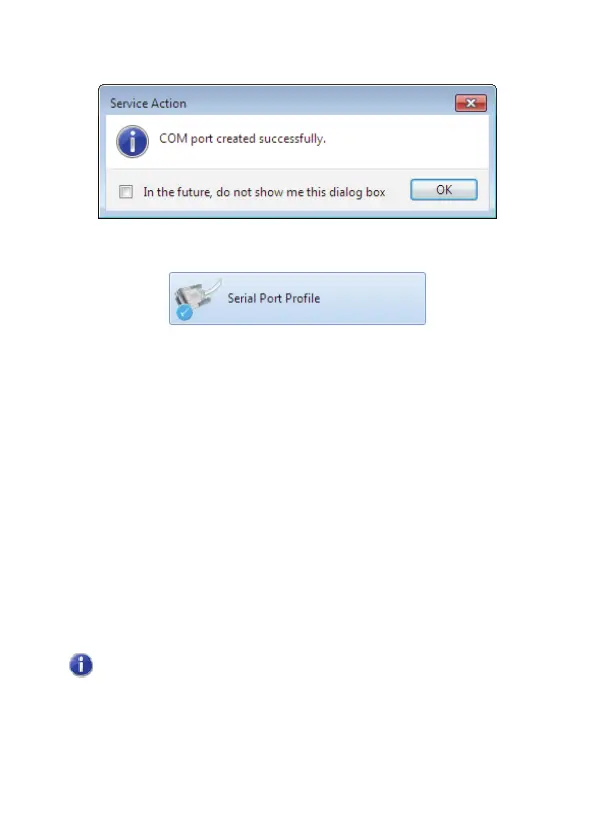
5. The serial port is created:
In My Bluetooth Devices the successful SPP link is shown as:
The assigned port number can be found by right-clicking
Computer
and choosing
Manage
.
Click Device Manager and choose
Ports (COM & LPT)
. The
paired device will be shown using its Bluetooth device name.
6. You can now use applications, such as hyperterminal, for
sending files over the COM port.
Using SPP in a slave role
1. Pair with a Bluetooth device which supports SPP.
2. From the paired device, initiate an SPP connection.
3. The local device (CSR Harmony) will indicate a device
wants to use SPP, click to allow.
In this role, CSR Harmony can accept two simultaneous
SPP connections.
4. You can now use applications, such as hyper terminal, for
receiving files over the COM port.



 To Next Page