- 58 -
6.0 Microsoft Office Integration
CSR Harmony enables you to send your documents from a
Microsoft Office 2007 or Office 2010 application to another
Bluetooth device.
The example below uses Microsoft Word 2007. To send a file:
1. Pair with the device, see “
Adding a Bluetooth device
”.
The document must be saved before you can send it to a
connected Bluetooth device. If your document is not saved, you
will be asked to save it before you can send it.
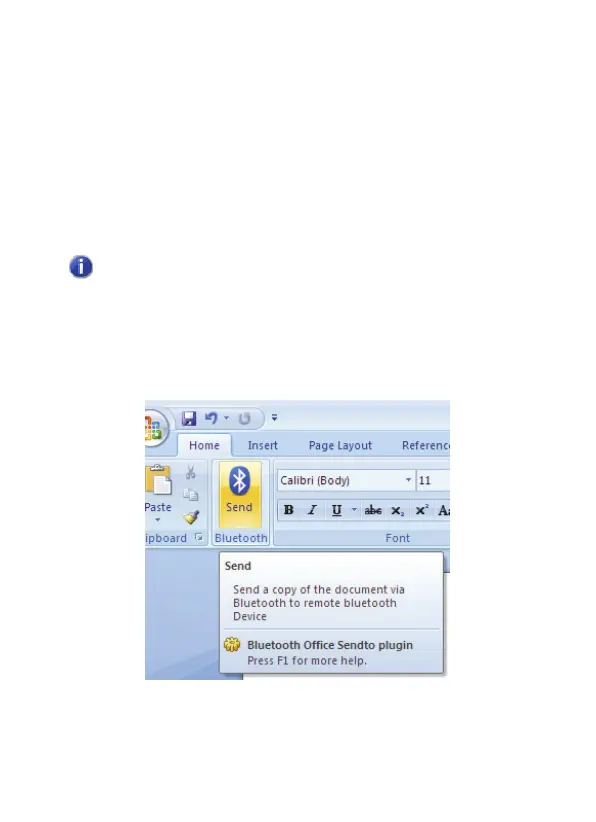
2. From the ribbon in the Microsoft Office application, click the
Bluetooth Send
icon:



 To Next Page