- 43 -
4.17 The Serial Port Profile (SPP)
What is SPP?
This profile emulates a serial cable to provide a simple
substitute for existing RS-232 connections, including the familiar
control signals.
SPP operates in two ways:
1. In a "master" role - the device connects to another device
2. In a "slave" role - the device is connected to from another
device
Using SPP in a master role
1. Pair with a Bluetooth device which supports SPP.
2. Open
My Bluetooth Devices
, see
Viewing connected
Bluetooth devices
.
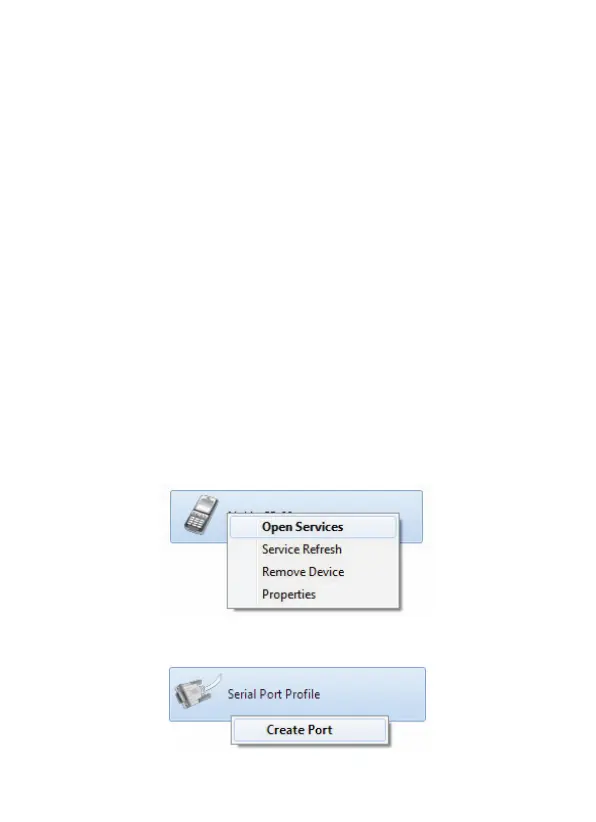
3. Right-click the device and choose
Open Services
:
4. Right-click
Serial Port Profile
and choose
Create Port
.



 To Next Page