- 6 -
3.3 Connecting from the remote device:
1. Ensure the device is turned on, has Bluetooth enabled and
is discoverable.
2. Initiate pairing from the Bluetooth device. This will usually
require you to create a pairing code on your device. In this
example, the code "0000" is used.
Refer to the documentation that came with your device for
more information about discovering other Bluetooth
devices.
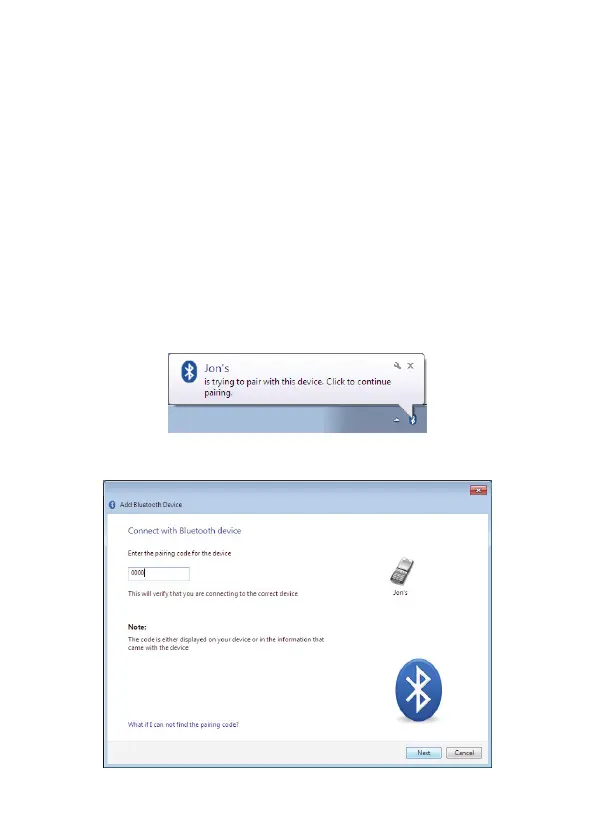
3. CSR Harmony will indicate your device is trying to connect
to your computer, click it to allow the connection:
4. When prompted, enter the pairing code and click
Next
:



 To Next Page