- 7 -
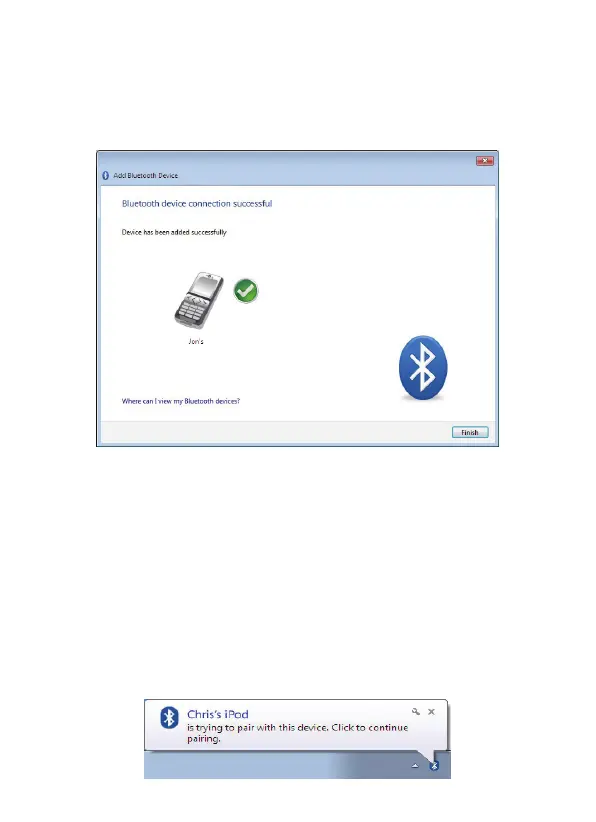
If a pairing code is displayed on both your PC and the remote
device, accept or confirm on both.
5. Click
Finish
to complete adding a Bluetooth device.
3.4 Using Secure Simple Pairing:
Secure simple pairing enables you to connect from a remote
device where you are not required to enter a pairing code, but
simply confirm one on your device.
If your device supports Secure Simple Pairing:
1. Initiate pairing from the Bluetooth device. CSR Harmony will
indicate your device is trying to connect to your computer,
click it to allow the connection:



 To Next Page