- 3 -
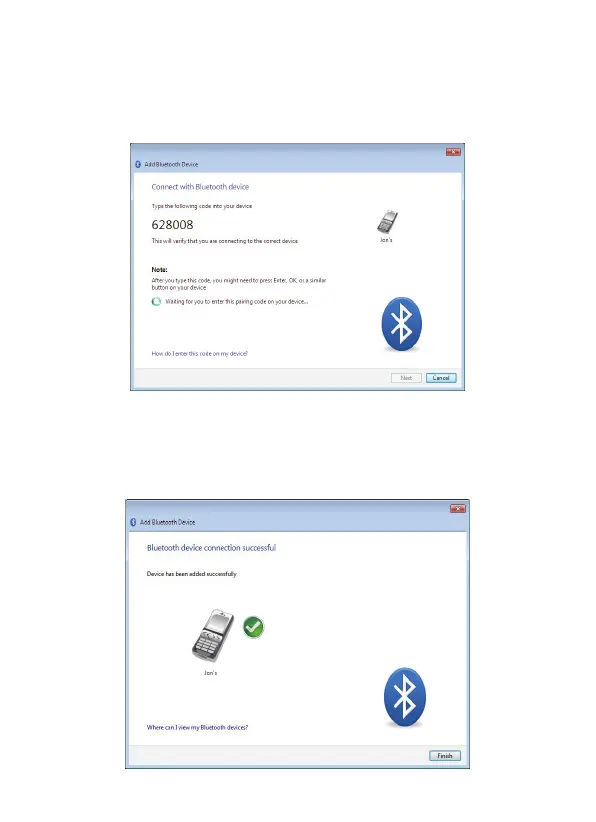
4. You may be prompted to enter a pairing code on the device.
The code may be entered on your phone handset using the
number pad or using the device's keyboard. When prompted
on your device, enter the pairing code:
If a pairing code is displayed on both your PC and the remote
device, accept or confirm on both.
5. Click Finish to complete adding a Bluetooth device.



 To Next Page