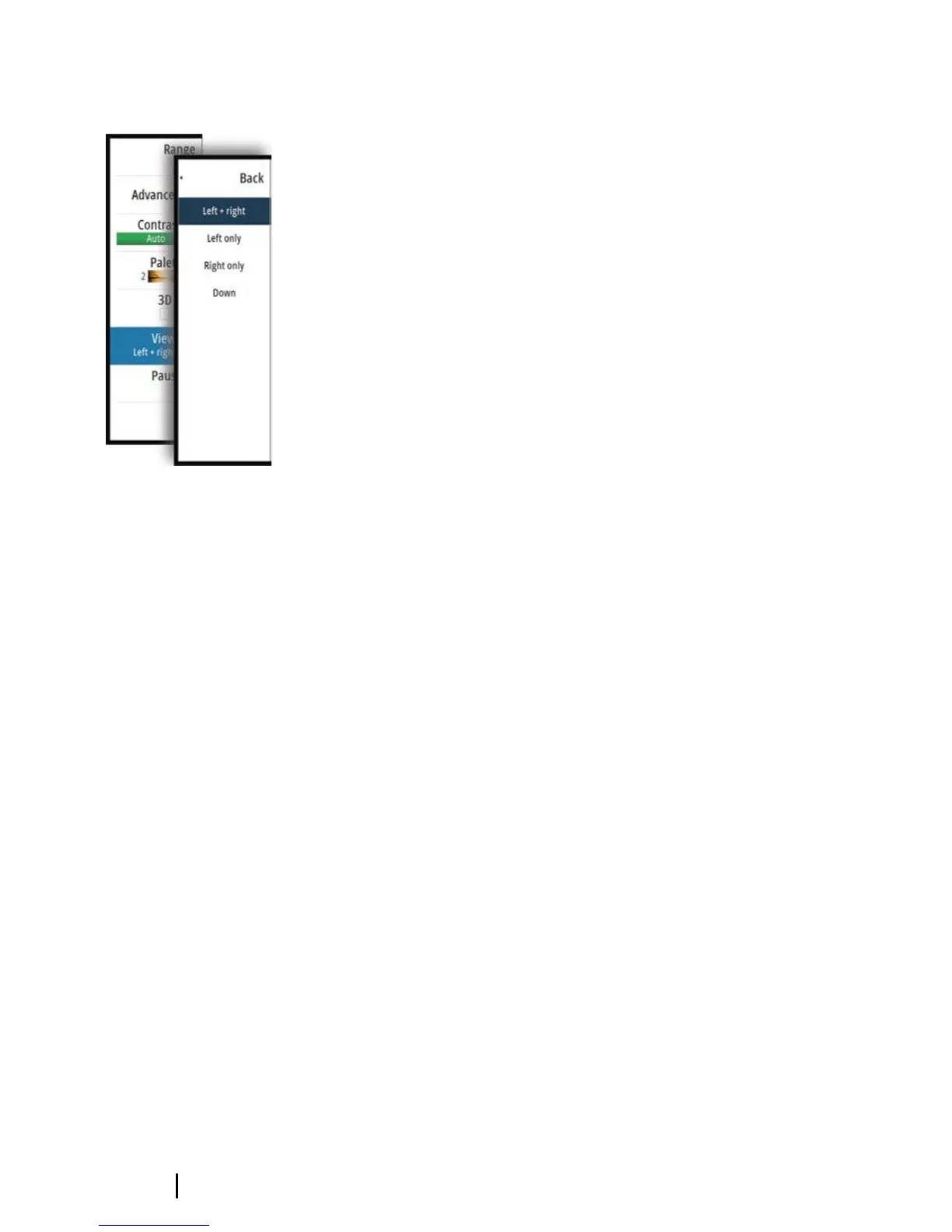
2D view options
The 2D view can be set up as a DownScan image, or as a SideScan
image showing left, right or left+right side scanning.
The DownScan image can be added as an overlay to the traditional
Sonar image.
The SideScan image can be added as an overlay on a chart.
12
The 2D image | StructureScan 3D User Guide


 To Next Page