9
View
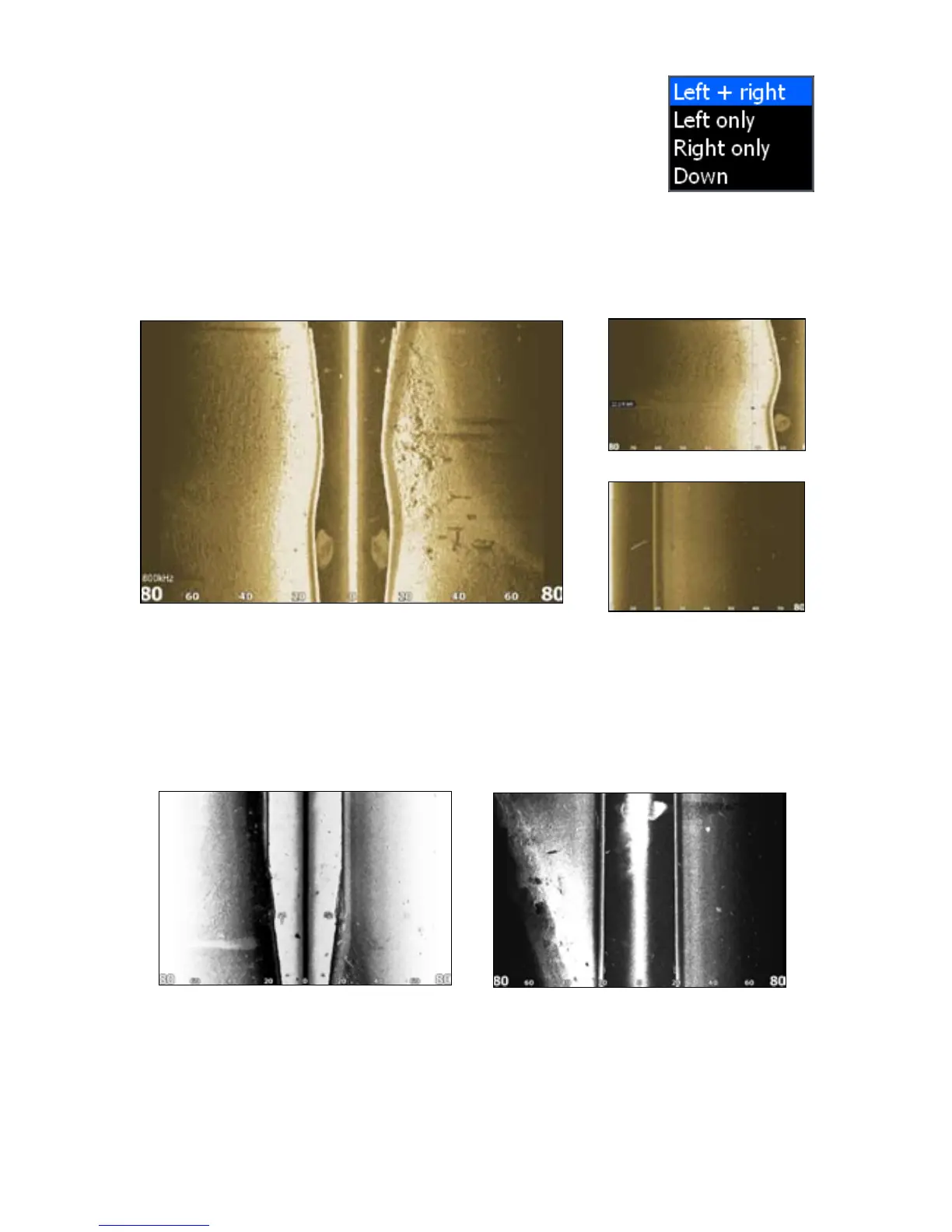
Selects the view your display unit will use when displaying
StructureScan data. In a multi-panel display, you can select
different views for each StructureScan panel.
To select a View:
Select 1. View from the StructureScan menu and press ENTER.
Highlight the desired option and press 2. ENTER.
Palette
Gives you control of the overall look and feel of the display by allowing you to select
a palette with color and brightness levels geared toward your viewing preferences.
To select a Palette:
Select 1. Palette from the StructureScan menu and press ENTER.
Use the keypad to select the desired palette and press 2. ENTER.
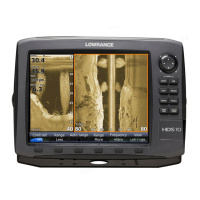
Left and Right selected on View menu.
Left Only
Right Only
View menu
Palette No. 1 Palette No. 2


 To Next Page