L-STAT User Manual 37 LOYTEC
Version 1.0 LOYTEC electronics GmbH
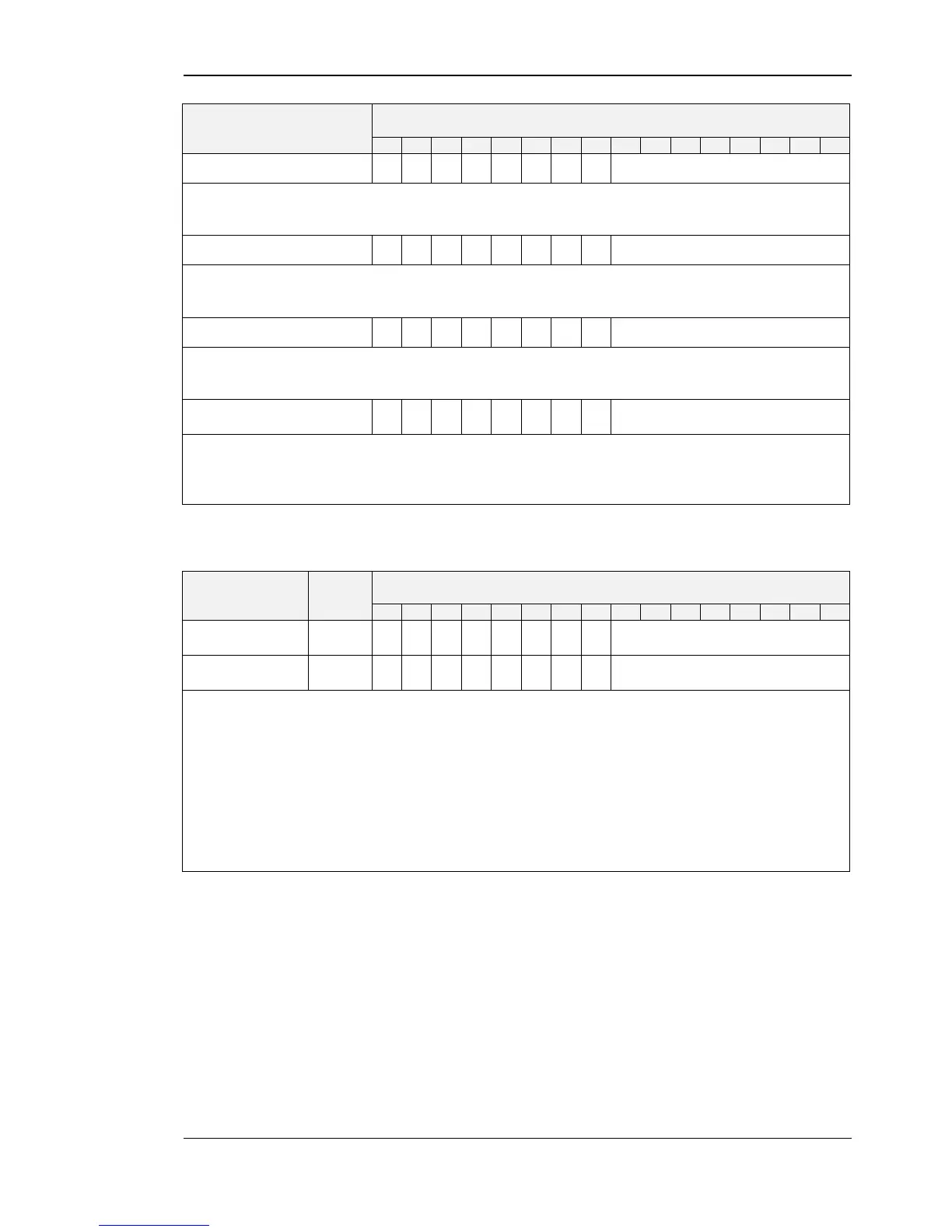
The button is enabled but has no special function (e.g. OCCUPANCY-button). The set
point index has no influence in this case.
This combination can be used to determine the MENU-button. The set point index has no
influence in this case.
This button will increment a set point in EDIT- or DIRECT_ACCESS-mode when
pressed. The set point index has no influence in this case.
DOWN-button with
direct access
This button will decrement a set point in EDIT- or DIRECT_ACCESS-mode when
pressed. Additionally a setpoint defined with the set_point_index is displayed when
pressed and can be edited in DIRECT_ACCESS-mode.
Table 26: Button Example Configuration
Configuration
Bar-Graph Left
Configuration
Bar-Graph Right
These registers are used to associate a set point as source for the bar graph on the left and
on the right side of the LCD. If enabled the bar graph is updated corresponding to the
value of the set point defined with the set_point_index.
The bar graph segments can also be set manually by writing the symbol_direct_access
registers at address 99 and 100 (Table 12 on Page 26).
defines a set point register that is used as source for the bar graph
if set to ‘1’ the corresponding bar-graph will be updated to visualize
the value of a set point with the defined set_point_index
Table 27: Bar Graph Configuration


 To Next Page