L-STAT User Manual 36 LOYTEC
Version 1.0 LOYTEC electronics GmbH
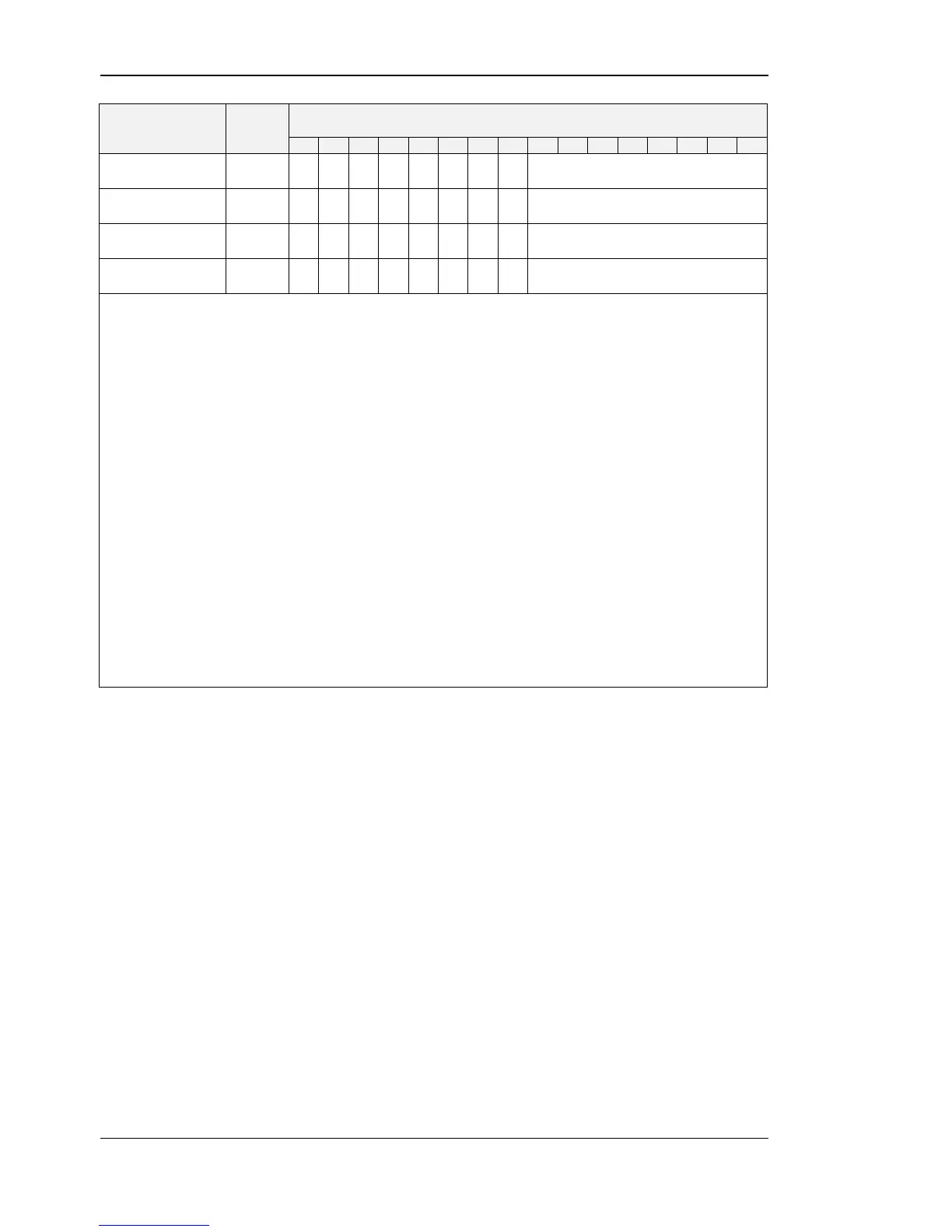
config_external_
button_0
config_external_
button_1
config_external_
button_2
config_external_
button_3
With these registers the functionality of the external buttons is defined.
See Table 26 on Page 37 for example configurations.
defines a set point register that can be edited in DIRECT_ACCESS-
mode if the DA bit is set
if set to ‘1’ the defined button is enabled and its state will be updated
in the present state, short pressed and long pressed register at Table 7
on Page 22
if set to ‘1’ the button is defined as MENU-button
if set to ‘1’ the button is defined as UP-button
in DIRECT_ACCESS-mode
if set to ‘1’ the button is defined as DOWN-button in
DIRECT_ACCESS-mode
if set to ‘1’ the button is defined as UP-button in EDIT-mode
if set to ‘1’ the button is defined as DOWN-button in EDIT-mode
if set to ‘1’ and the button gets pressed a set point defined by the
set_point_index will be displayed in DIRECT_ACCESS-mode
Table 25: External Button Configuration


 To Next Page