Feature Reference
5-122
Programming
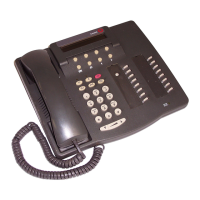
(See Figure 2-3 on page 2-22 for the location of special programming buttons such
as
s and e on system phones.)
To program a Do Not Disturb button:
1. Press
f 0 0 s s c at extension
10 or 11.
2. Enter the number of the extension to be programmed with this feature.
3. Press a programmable button with lights.
4. Press
f 0 1.
5. Program another button for this extension or exit programming mode.
Using
From a system phone, press the programmed button to turn Do Not Disturb on;
press it again to turn it off. Use the button like a switch—when the light is on, Do
Not Disturb is on.


 To Next Page