English - 14
5.2 Use with Ladibug (Wi-Fi Mode)
5.2.1 Network Connection
Switch DC-W80 to Wi-Fi mode, and Wi-Fi LED light turns blue. Open
the Wi-Fi network list on the computer, and choose
[DC-W80_5G_XXXXXX] (XXXXXX: last six digits of the MAC address).
Enter the connection password (default password: 88889999) to
enable the connection.
5.2.2 Use Ladibug to connect to DC-W80
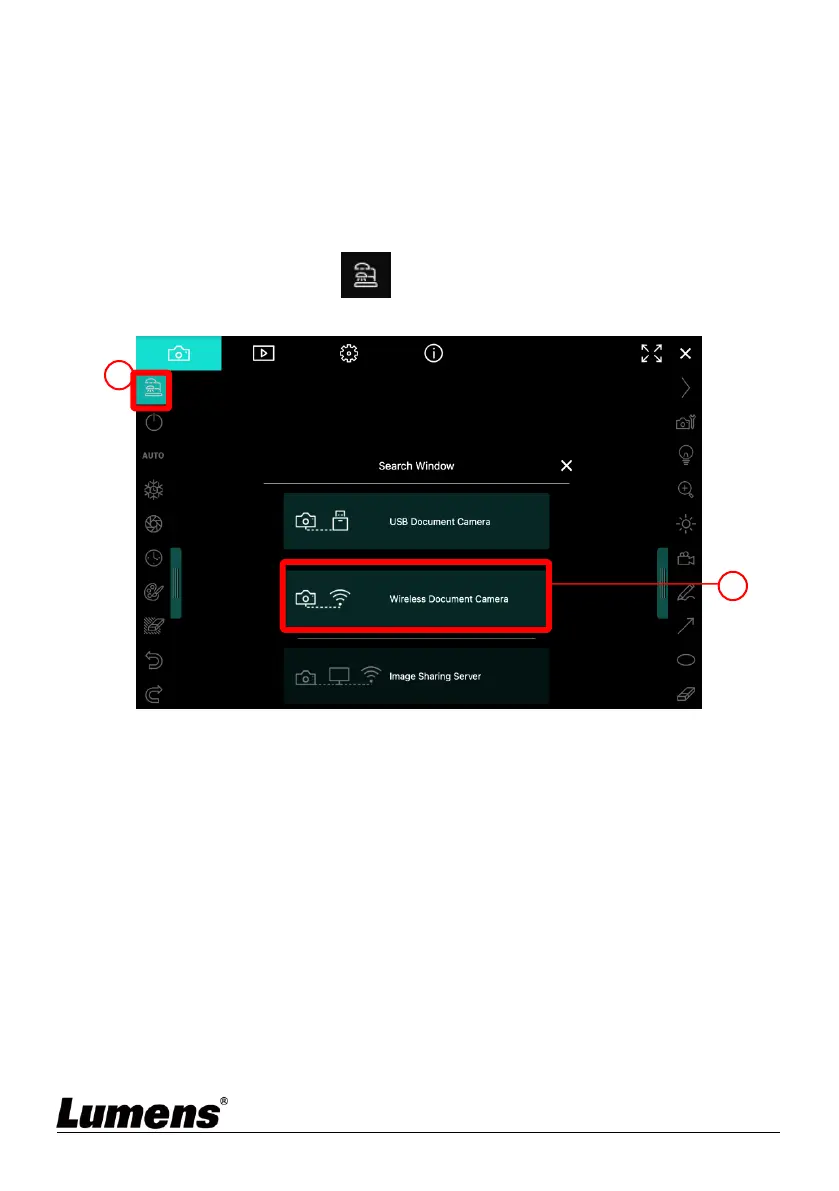
1. Open Ladibug, click to open the [Search Window], and select
[Wireless Document Camera].


 To Next Page
 Loading...











