14
You’ve got the right tool!
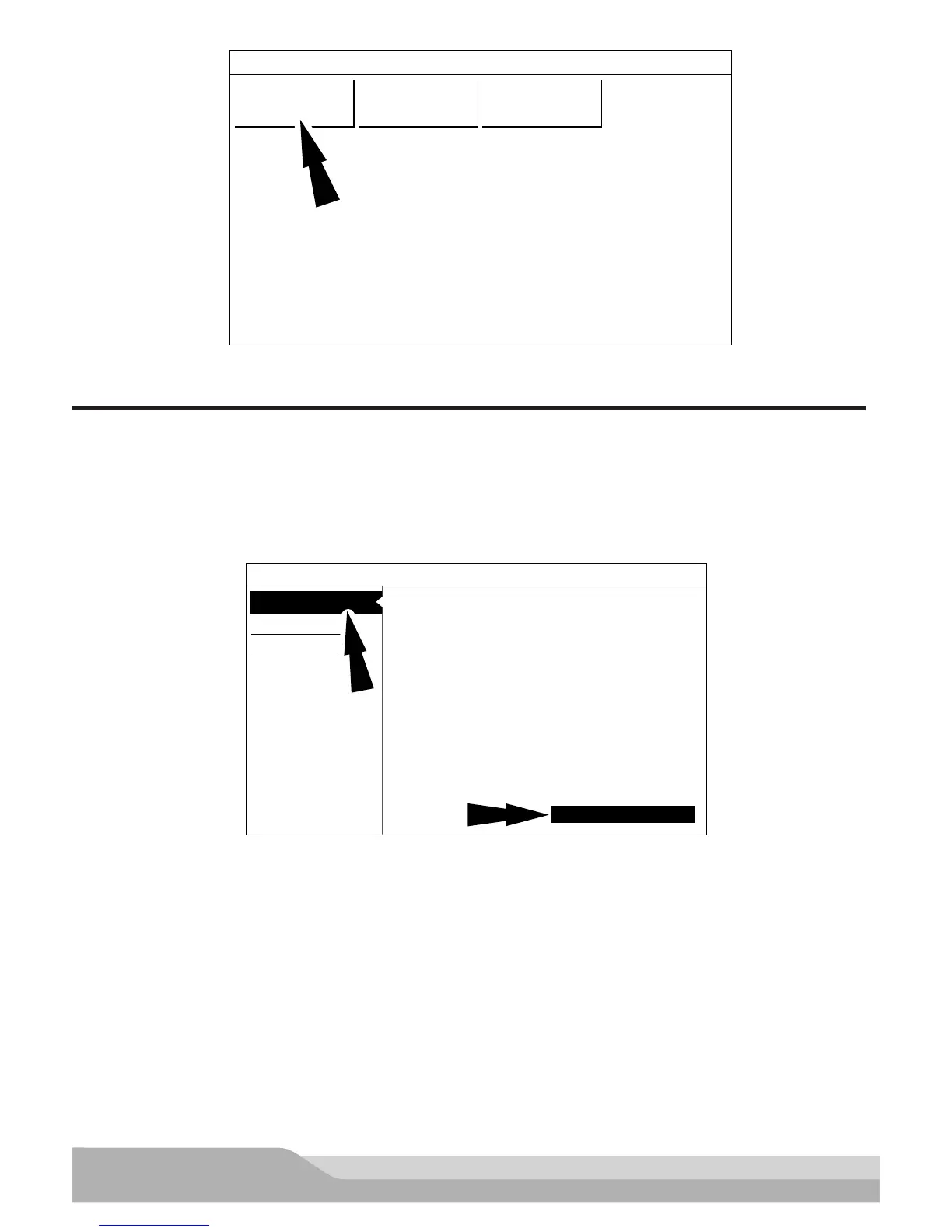
English Español French
ss02386
2. Select a language.
REGISTRATION
It is important to register the handset right away. To register, it will need a Wi-Fi internet connection. To connect
to Wi-Fi, refer to steps 2 through 6. Register now enables the unit. Register later causes the device to go into a
30-day trial mode. Demo Mode is for training and demonstration purposes only, it cannot communicate with a
vehicle. Demo Mode will use sample data.
1. Select Register my Device Now.
2. Read and accept the user agreement.
Register my Device Now
You’ve got the right tool!
1) Read & agree to the EULA.
2) Setup Wi-Fi.
3) Activate your warranty
Quick Setup
End User License Agreement
Software Product License Agreement
SOFTWARE PRODUCT LICENSE AGREEMENT
1. OWNERSHIP. The Software Product is licensed (not sold) to you.
The Software Product shall remain the property of Bosch. Bosch
IMPORTANT: Do not continue until you have read this Software
Product License Agreement (”Agreement”). By clicking the I Accept
button (or authorizing any other person to do so), you accept this
Agreement and are bound by its terms. If you are not sure that you are
authorized by your employer to accept this Agreement, take this
package to a principal in your firm before proceeding. This Agreement
is a legally binding document setting forth the manner by which you
may use the Bosch Automotive Service Solutions Inc. (”Bosch”)
software, and any associated media, printed materials and electronic
documentation (collectively “Software Product”). Carefully read the
terms and conditions of this Agreement before using this Software
Product. Use of this Software product indicates your acceptance of
the following terms and conditions.
Copyright (c) 2014-2015, Bosch Automotive Service Solutions Inc. All
Rights Reserved
Register my Device Later
Demo Mode
I Agree
ss02387
Note: Wi-Fi Must be ON. If Wi-Fi is OFF slide the Wi-Fi switch to the ON position and follow the prompts on the
screen.


 To Next Page