30
GLOBAL OBDII APPLICATIONS
Overview
Global OBDII (also referred to as Generic OBDII) provides limited engine control and monitors the diagnostic
control network of the vehicle. When a fault in the control network occurs, a DTC is recorded in the vehicle
computer. This system is not vehicle specific so it is NOT necessary to select the vehicle to run a generic test.
NOTE: Global OBDII may be selected as a controller for a more specific General test.
Diagnostic Functions
Search Google for ...
OBD-II
Select Vehicle
CHECK
CHECK
101001
1001
0101
2:59
Read DTCs Data Stream Special Tests
Diagnostic
Information
SettingsBrowserMaintenance Tests
All System DTC
Scan
Automated System
Test Veiw Saved Tests
View Data Stream
Recordings
No Vehicle Selected
Active
Tue, 10 May 2016
System Wiring
Diagrams
ss02417
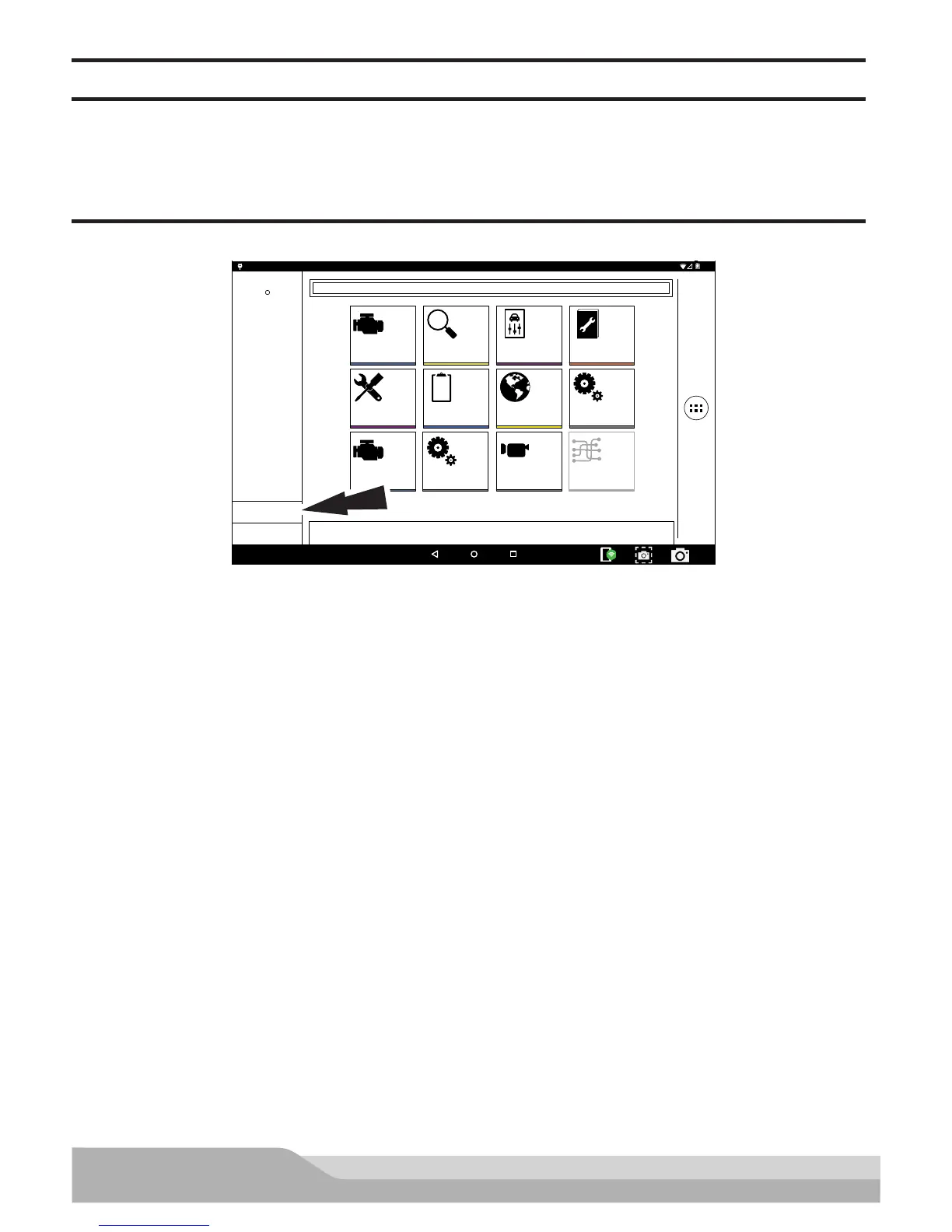
1. Select OBD-II from the home screen.
2. Follow the prompts on the screen.
Readiness Monitors
Mode 1 displays available monitor information.
The OBDII system has a series of systems that run self-tests. These systems or components have to be made
ready by either turning on the ignition or manipulating the system in some other manner. This is called drive
cycle.
Each system requires specific vehicle drive cycle and operating requirements to take place before the monitor
self-check will run. OBDII systems require one monitor for current systems, or two monitors for older systems,
are ready before testing can begin.
If the system is ready, no further action is required.
If the system is not ready, a drive cycle may need to be performed for that system.
Use the following procedure to verify the system is ready to be monitored.


 To Next Page