42
Vehicle Info
Mode 9 views Vehicle Identification Numbers (VINs), calibration ID(s), and verification number(s).
Generic OBDII
READINESS MODE 1
Vehicle Informationation (Mode 9)
Make sure the key is ON and the Engine is OFF.
CANCEL OK
DATA STREAM MODE 1
FREEZE FRAME MODE 2
DTC’s MODES 3,4,7,A
O2 SENSORS MODE 5
NON-CONTINUOUS TESTS
MODE 6
SPECIAL TESTS MODE 8
VEHICLE INFO MODE 9
Generic OBDII
Current
ss02430
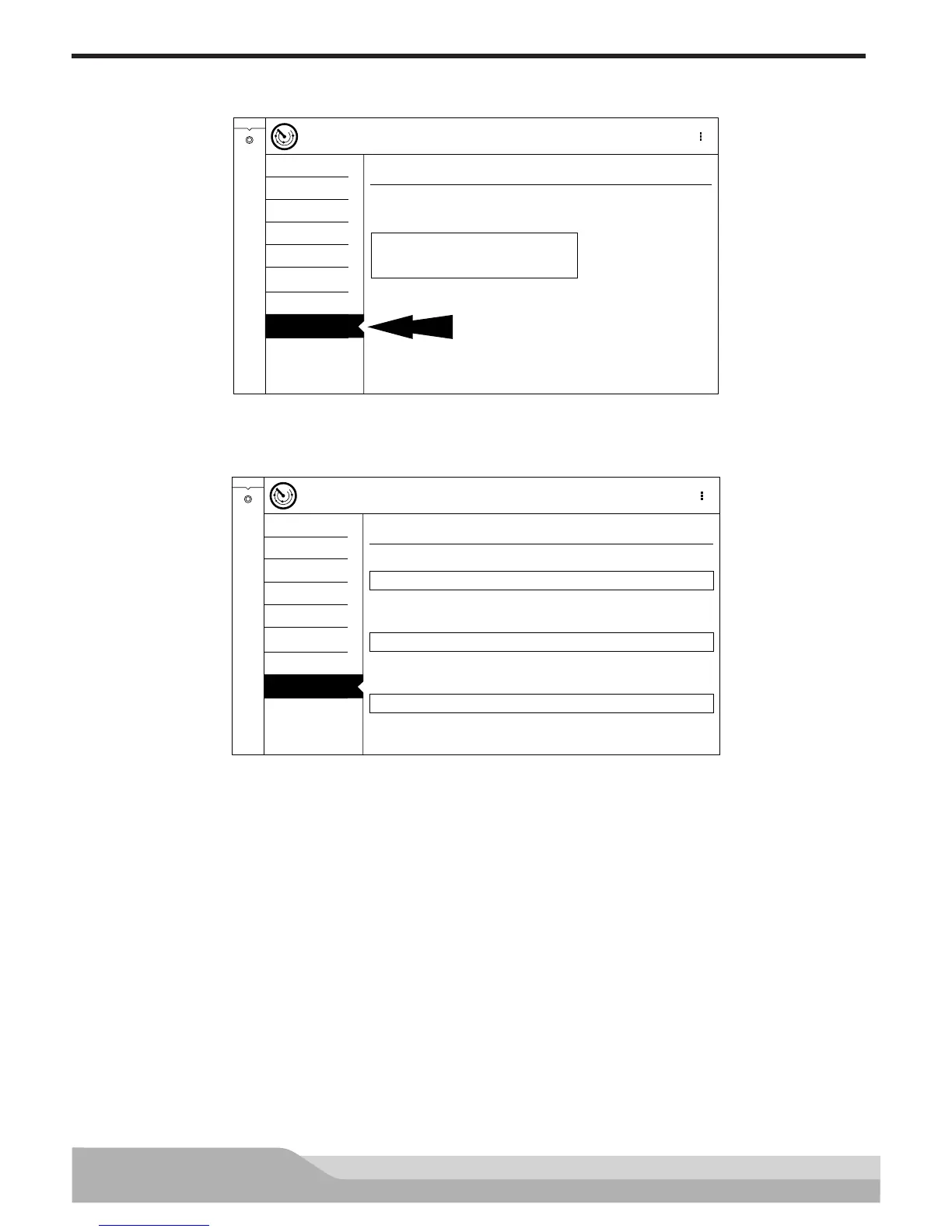
1. Select Vehicle Info from the Generic OBDII screen.
2. Follow the prompts on the screen.
Generic OBDII
READINESS MODE 1
Vehicle Informationation (Mode 9)
Vehicle Identification Number
Calibration Identification Number
Calibration Verification Number
Controller Vehicle Identification Number
ENGINE 1G6DM57N530102274
ENGINE BOSCHA1037366956
ENGINE 4EF7033C
DATA STREAM MODE 1
FREEZE FRAME MODE 2
DTC’s MODES 3,4,7,A
O2 SENSORS MODE 5
NON-CONTINUOUS TESTS
MODE 6
SPECIAL TESTS MODE 8
VEHICLE INFO MODE 9
Generic OBDII
Current
Controller Calibration Identification Number
Controller
Counters
Calibration Identification Number
ss02431
The 17 digit VIN provides information on the vehicle including year of manufacture, engine and possibly trans-
mission type, vehicle body style, and color.
Mode 9 is not supported on older vehicles, so a visual check of the VIN through the windshield or on the door
sticker would be required to obtain that VIN. Mode 9 is used on the tool to Auto ID the vehicle and for calibra-
tion verification to see if a newer calibration is available for re-flashing the ECU.


 To Next Page