16
On
Shop
Connected
Saved
BACK
Office
Select Wi-Fi
NEXT
ss02391
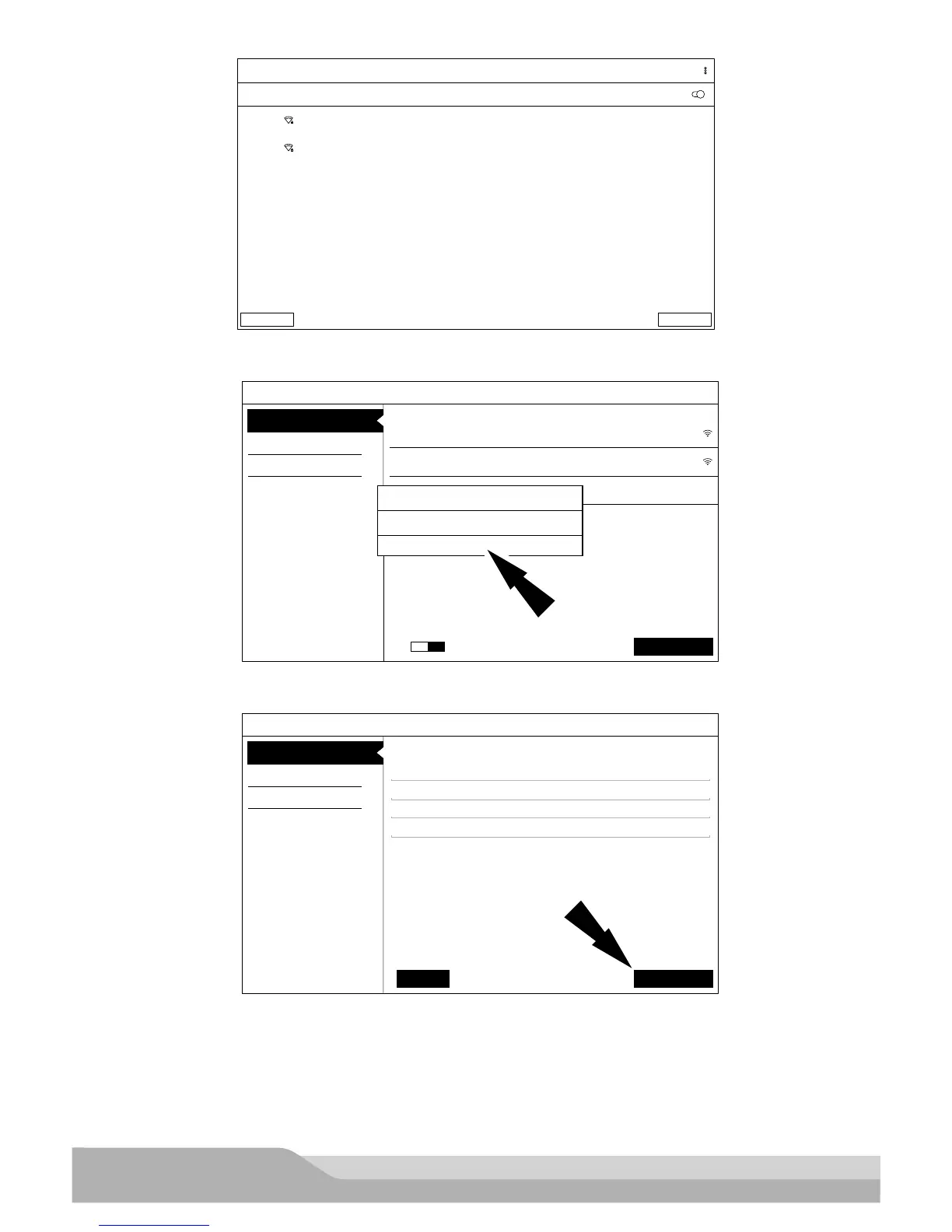
6. If an internet connection could not be established, follow the prompts on the screen and try again.
Register my Device Now
You’ve got the right tool!
Shop
Office
Secured with WPA2
Internet Sync Required
Could not establish connection. Please ensure connection to
Internet is stable and try again!
OK
Wi-Fi
Secured with WPA2
Setup Wi-Fi
Register my Device Later
Demo Mode
Next: Your Name
ON
ss02392
7. Enter your Name . Follow the prompts on the screen to activate warranty.
Register my Device Now
You’ve got the right tool!
John
Smith
City Service Center
Activate Warranty
Register my Device Later
Demo Mode
Next: Contact InfoSet Clock
City Service Center
ss02393
8. Enter contact information. Follow the prompts on the screen.


 To Next Page