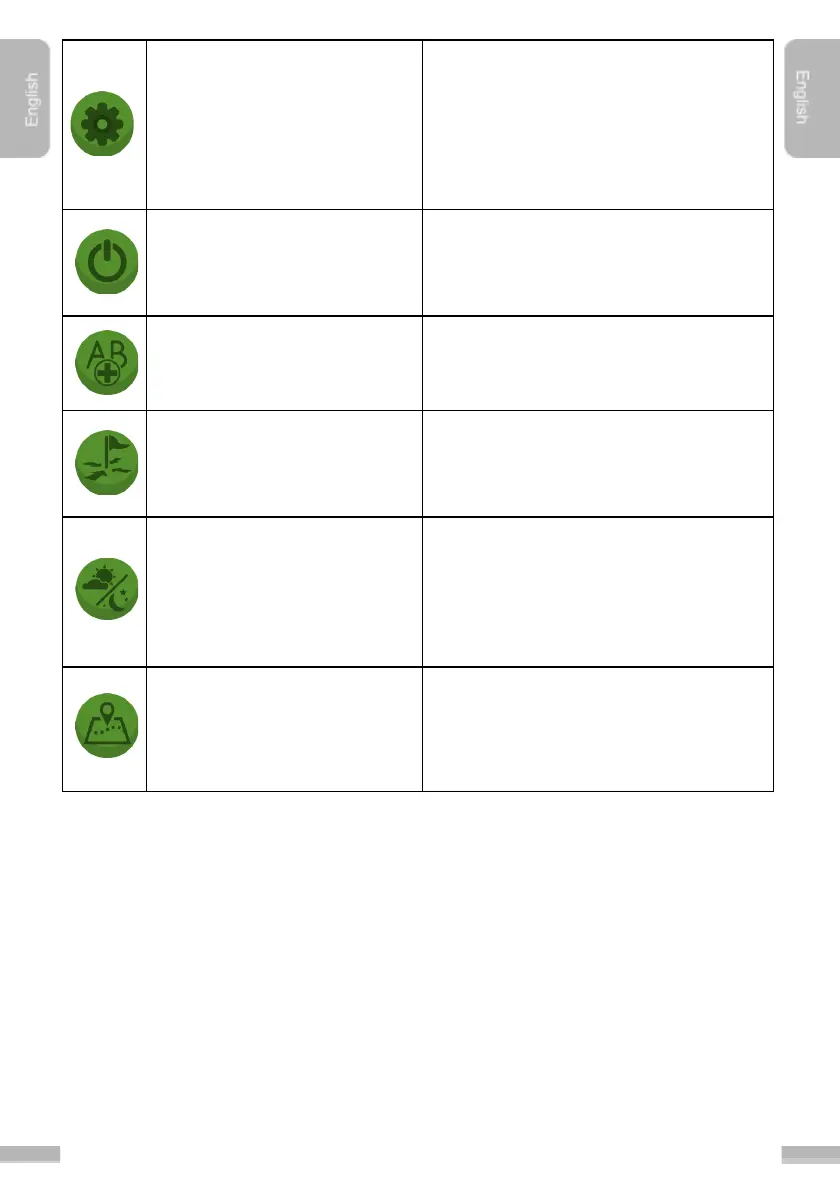
The Options menu is available from
Navigation screen as well, but
preferences are limited here, because
when a session is started, for instance
the "allowed overlap", "center offset",
"guidance mode" are no longer
changeable.
Exit the application. The software asks
whether the User want to save the
session or not before closing the
application.
It is possible to add several “A” and “B”
points for consecutive guidances.
This option helps the User to correct the
actual position of the machinery relative
to the done path, or loaded coordinates
of previous jobs.
Agricultural activities often continues
after dark. With the help of Night mode,
MachineryGuide can be used
comfortably under such circumstances
as well.
A snapshot of the full session can be
viewed at any phase of the job on
Google Maps in 2D, 3D, normal and
satellite mode.


 To Next Page