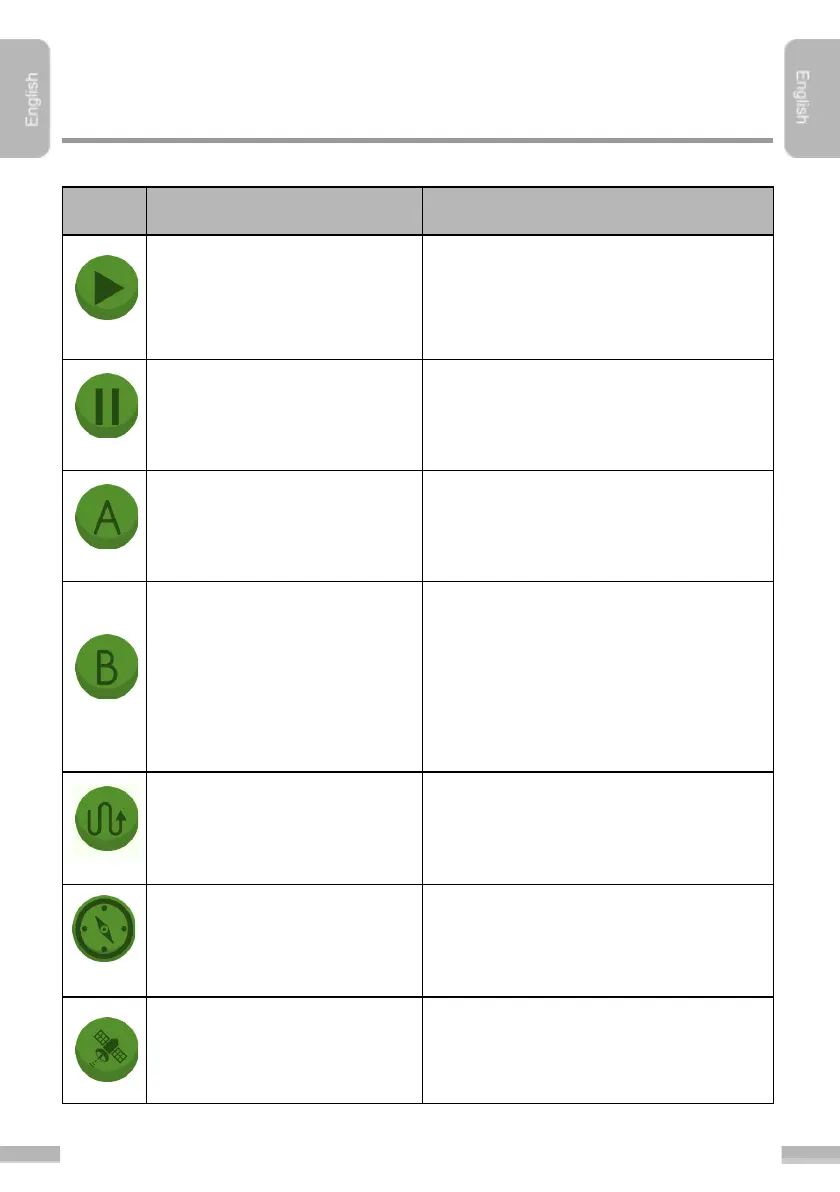
Guidancing starts after tapping this
button. If not activated, the path of the
machinery is a thin line, the normal path
appears after activation
Stops the gaudicing. A flag will be placed
at the position of the machinery, so later
on the User can continue the work from
the exact position.
With this button the "A” reference point
can be set (placed on the field).
With this button the "B” reference point
can be set (placed on the field). There
must be minimum 50 m distance
between “A” and “B” points. The section
between “A” and “B” point will be the
reference line of the actual session, the
navigation trajectory calculation is based
on this section.
Hide/show cultivated area
Hides or shows the whole cultivated
area.
Hide/show navigation arrow
Hides or shows the navigation arrow
(plus the navigation distance and the
field border alarm)
Information about the satellite connection
by tapping this button. This function is
only available with the Bluetooth GPS
antenna.


 To Next Page