Director MX 3D Tutorial 105
1 If the Stage and Library are not open, select Window > Library Palette.
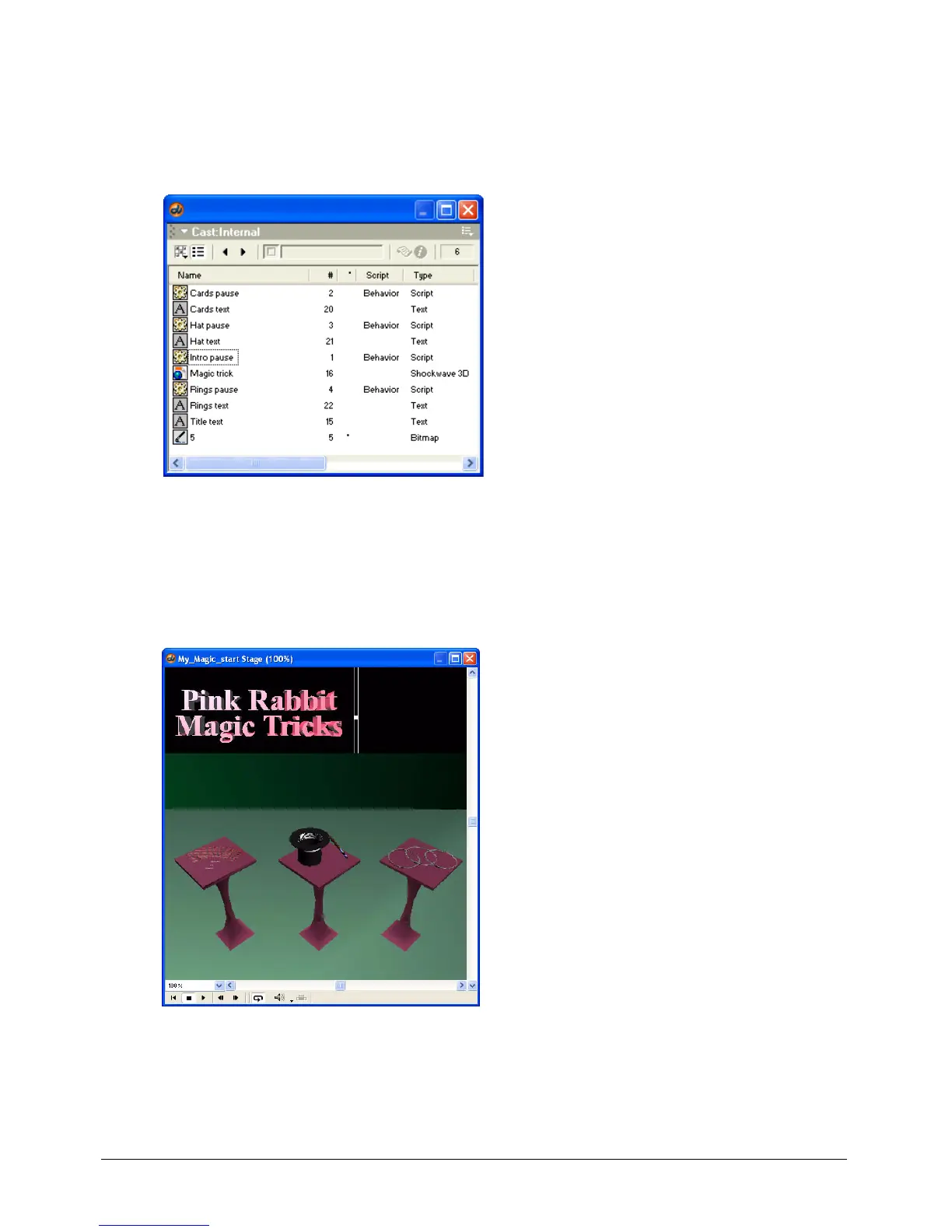
2 If your Internal Cast window is not open, select Window > Cast. In the Cast window, find the
cast member named Title text.
Title text is 2D text created in Director MX.
3 In the Score (Window > Score), select frame 1 in channel 3.
4 Drag the Title text cast member from the Internal Cast window to the upper left area of the
Stage, as shown in the following illustration.
The placement doesn’t need to be precise; you will use the Property inspector to specify
placement coordinates.
5 If the Property inspector is not open, select Window > Property Inspector.



 To Next Page