Director MX 3D Tutorial 111
Modify behaviors
Once you’ve added a behavior to a sprite, you can use the Property inspector to modify
the behavior.
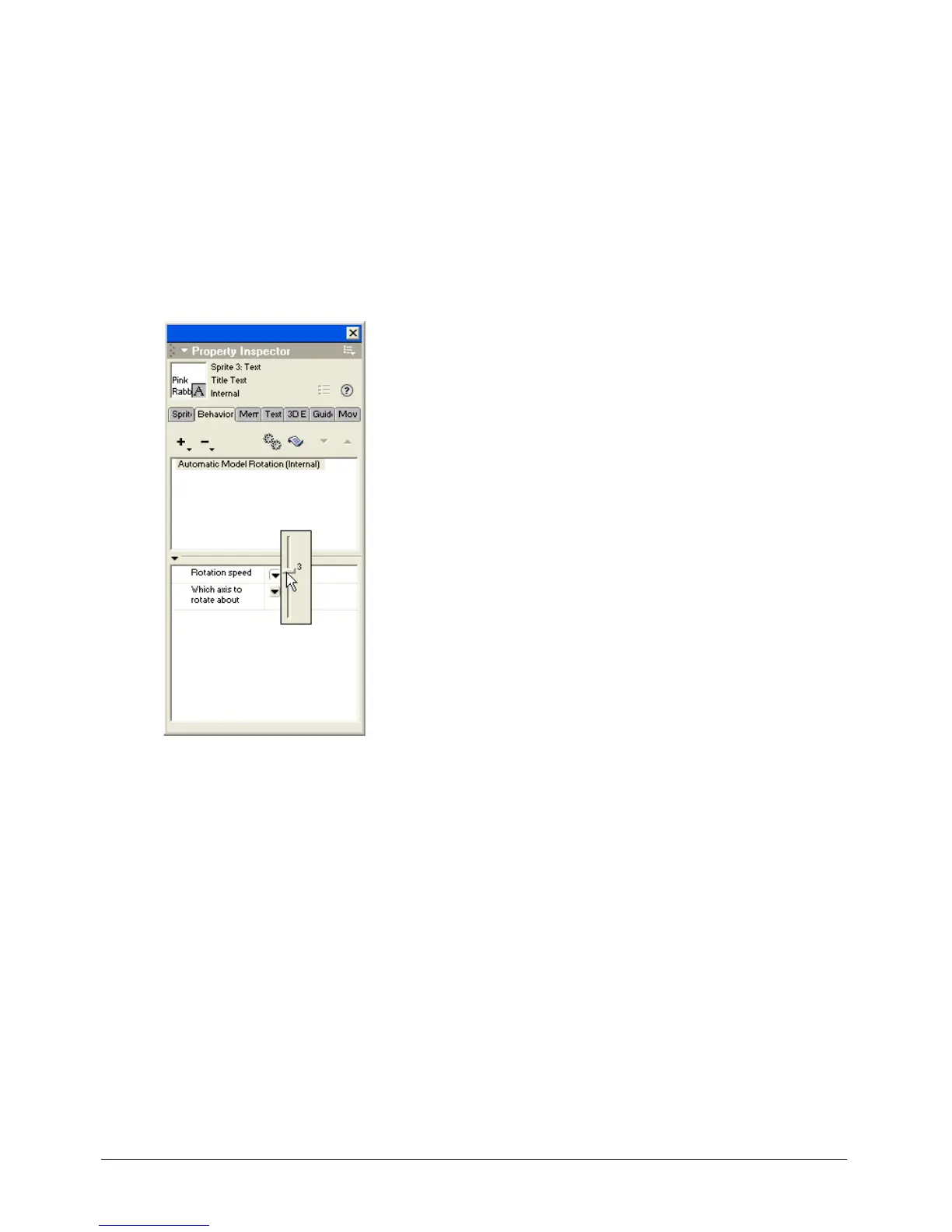
Slow the rotation speed
To slow the rotation speed setting, complete the following steps:
1 With the Title text sprite selected, click the Property inspector Behavior tab.
2 With Automatic Model Rotation (Internal) selected in the Property inspector, click the down
arrow to the right of Rotation Speed and move the Rotation Speed slider from 10 to 3.
3 Play the movie to view the text rotating at a slower speed. When you finish, stop and
rewind the movie.
Note: To return to the parameters dialog box for any behavior, you can double-click the behavior listed in the upper
pane of the Property inspector Behavior tab.



 To Next Page