Chapter 3110
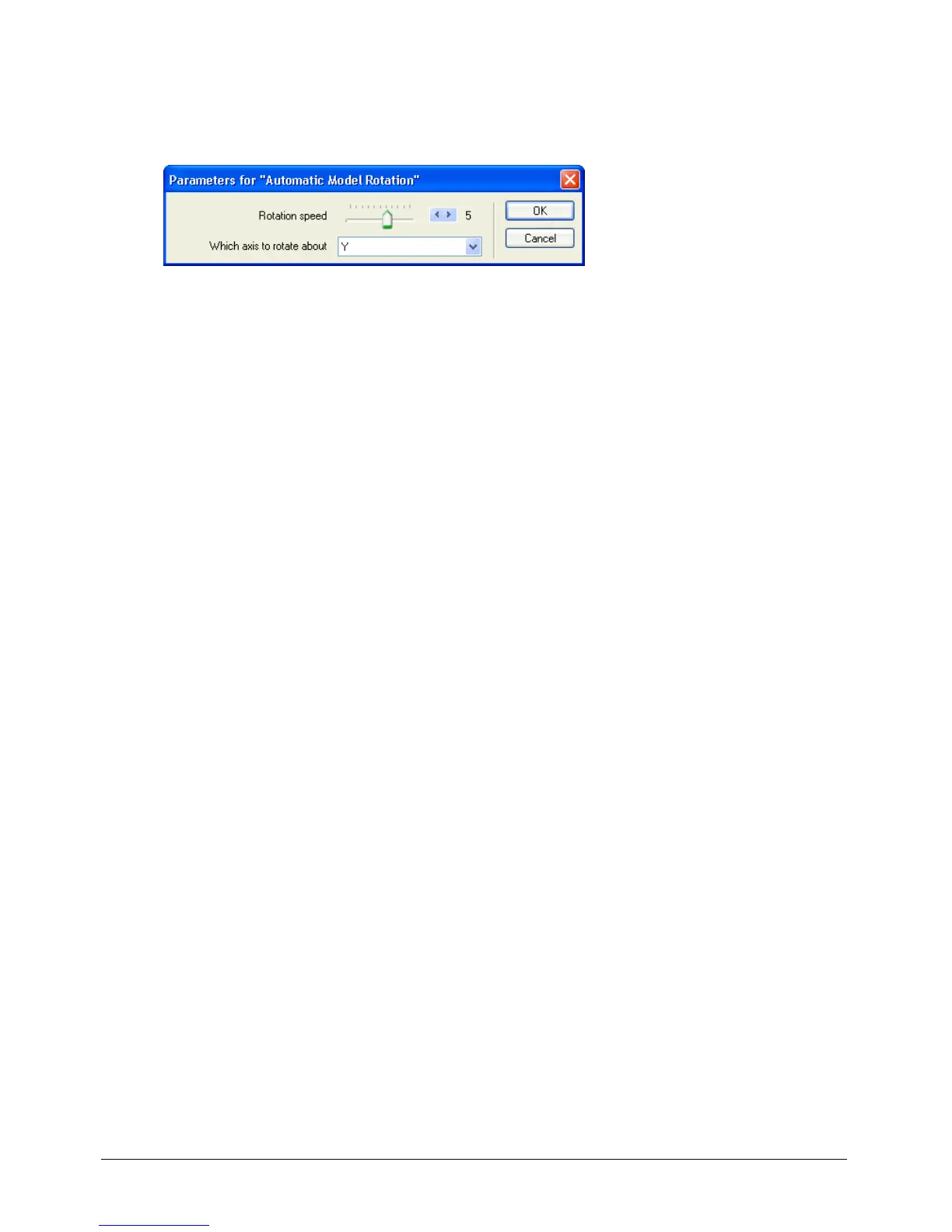
5 In the Which Axis to Rotate About pop-up menu, select Y, and then click OK.
The x- and y-axes are the model’s horizontal and vertical axes, respectively; the z-axis refers to
the depth of the model.
6 To view the 3D text rotating, play your movie.
The rotation speed seems a bit fast. To avoid making your users dizzy, you’ll modify the
behavior parameters.
7 Stop and rewind the movie.
Note: As you complete the tutorial, remember to save your work frequently.



 To Next Page