Animation 201
Linking a sequence with Paste Relative
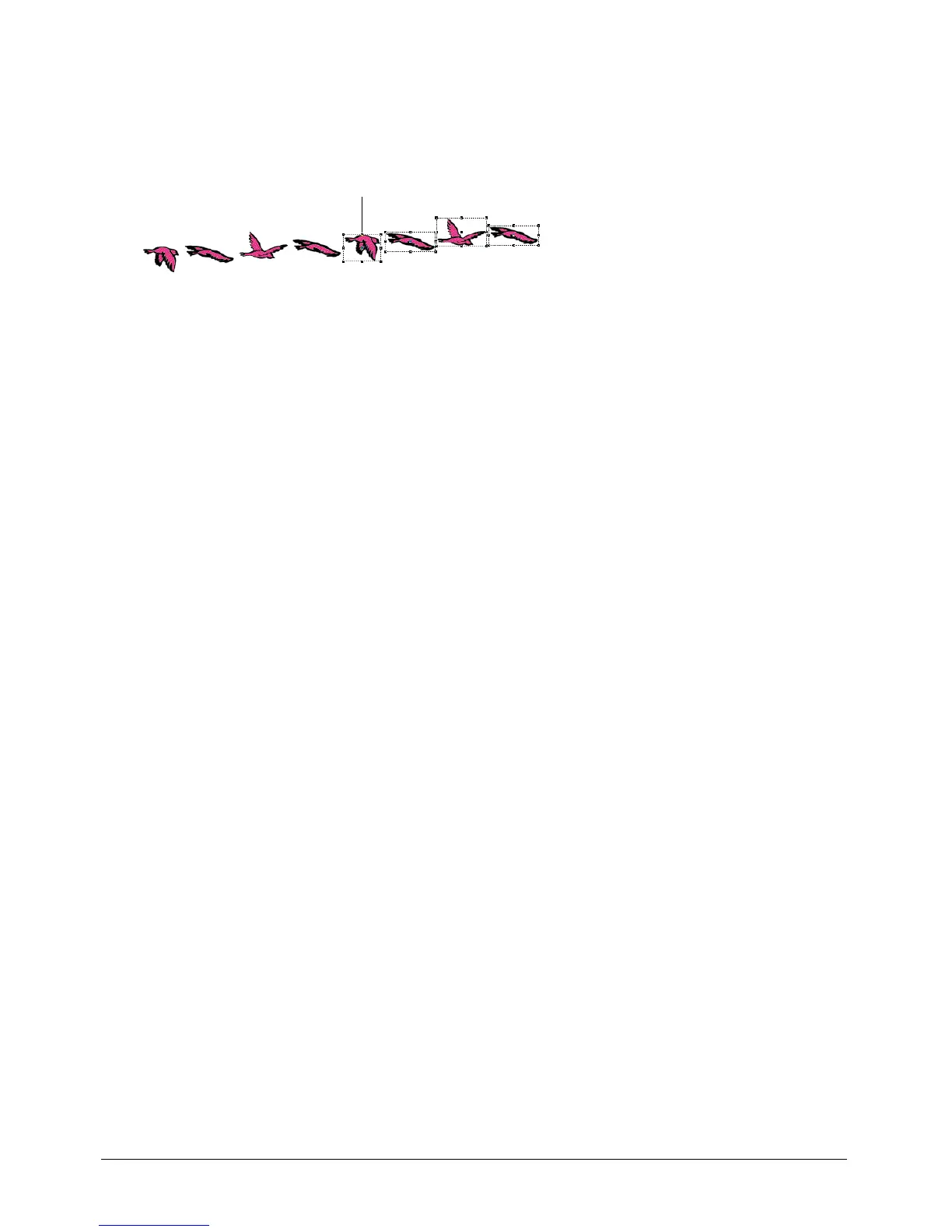
Paste Relative automatically aligns the start frame of one sprite with the end frame of the
preceding sprite. It’s useful for extending animations across the Stage.
To paste one sequence relative to another:
1 Select a sprite in the Score
2 Select Edit > Copy Sprites.
3 Select the cell immediately after the last cell in the sprite.
4 Select Edit > Paste Special > Relative.
Director positions the beginning of the pasted sprite where the previous sprite ends.
Repeat the process as many times as you need to create one continuous animation across
the Stage.
Animating sprites with Lingo
Lingo can create animation regardless of the settings in the Score. This lets you create or modify
animation depending on movie conditions.
To move a sprite on the Stage, you use Lingo that controls the sprite’s location. See
bottom, left,
right, and top in the Lingo Dictionary.
To animate a sprite by switching the sprite’s cast members, change the sprite’s
member property.
See
member (sprite property) in the Lingo Dictionary.
The first sprite ends here, and the
pasted sprite begins.



 To Next Page