185
CHAPTER 6
Animation
Animation is the appearance of an image changing over time. The most common types of
animation in Macromedia Director MX involve moving a sprite on the Stage (tweening
animation) and using a series of cast members in the same sprite (frame-by-frame animation).
• Tweening is a traditional animation term that describes the process in which a lead animator
draws the animation frames where major changes take place, called keyframes. Assistants draw
the frames in between.
• Frame-by-frame animation involves manually creating every frame in an animation, whether
that involves switching cast members for a sprite or manually changing settings for sprites
on the Stage.
Other forms of animation include making a sprite change size, rotate, change colors, or fade
in and out.
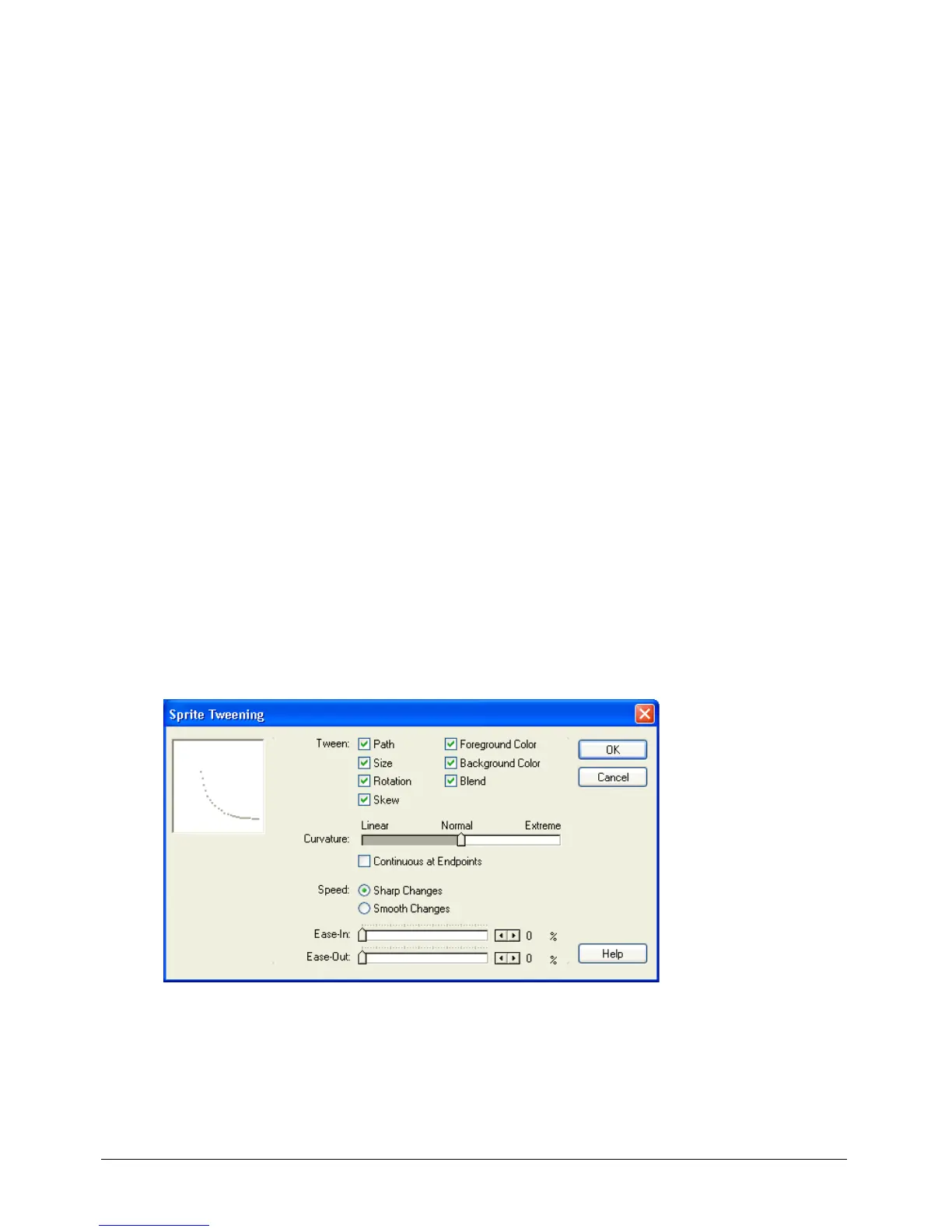
To specify tweening properties for a sprite, you use the Sprite Tweening dialog box.
To open the Sprite Tweening dialog box:
• Select a sprite, then select Modify > Sprite > Tweening.



 To Next Page