Chapter 3108
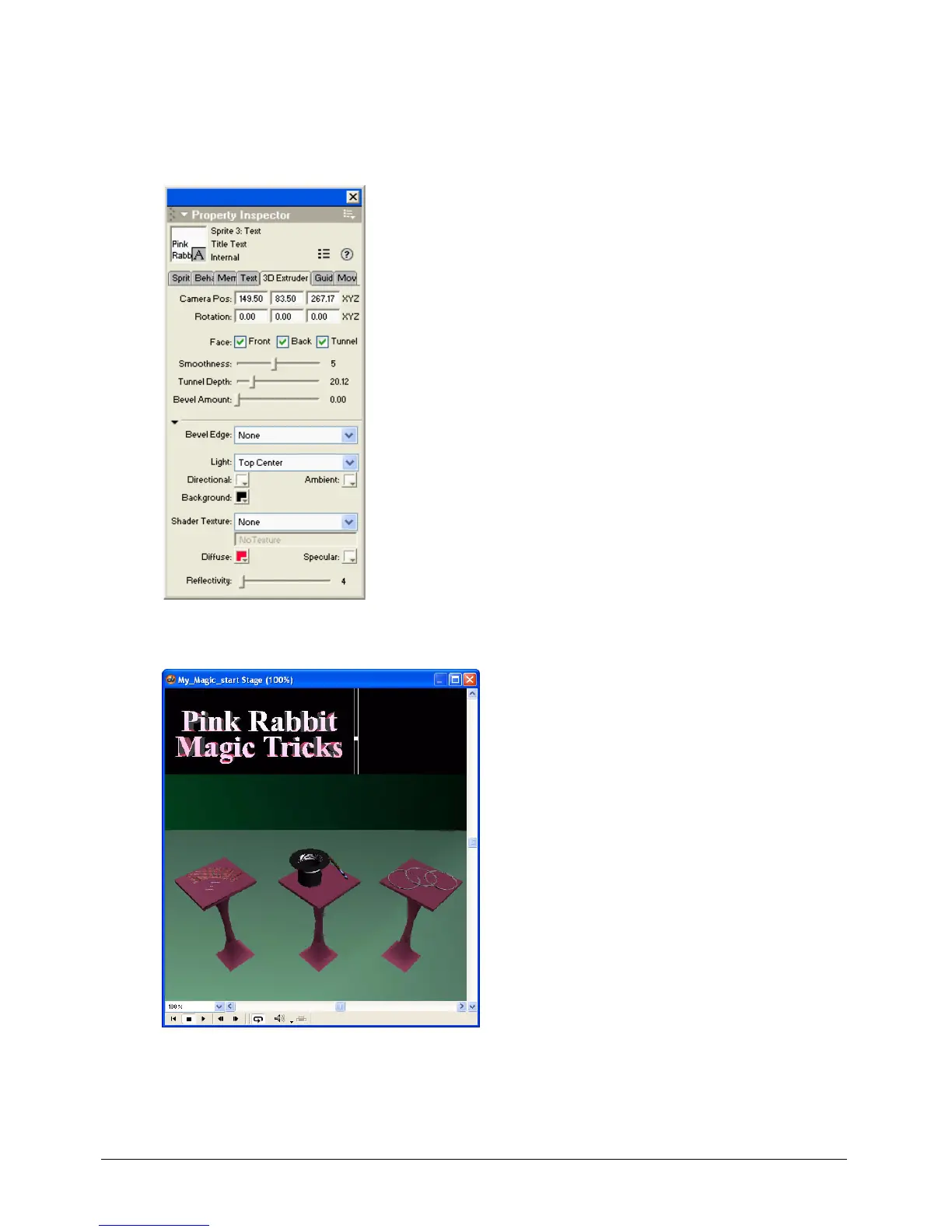
4 In the Light pop-up menu, select Top Center.
Three-dimensional objects in Director can use both ambient and directional lights. By
specifying Top Center as the light, you’re indicating where on the text it should appear as
though a light is shining.
The Title text sprite changes to reflect the settings in the Property inspector.



 To Next Page