Director MX 3D Tutorial 119
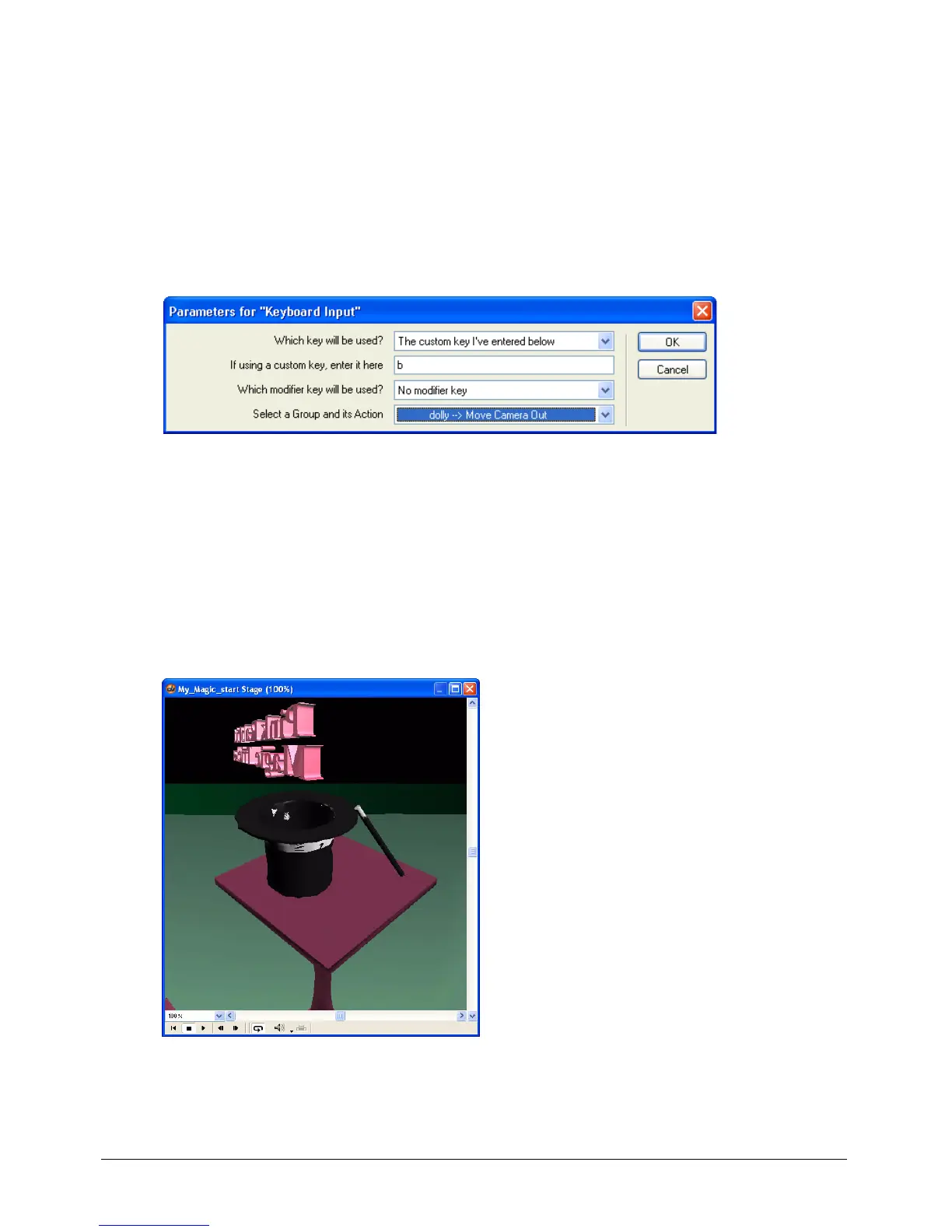
4 In the Parameters for Keyboard Input dialog box, specify the following:
• In the Which Key Will Be Used pop-up menu, verify that The Custom Key I’ve Entered
Below is selected.
• In the If Using a Custom Key, Enter It Here text box, type b.
• Verify that No Modifier Key is selected from the Which Modifier Key Will Be Used
pop-up menu.
• In the Select a Group and Its Action pop-up menu, select Dolly – Move Camera Out. Then
click OK.
Note: Remember to save your work frequently.
Dolly the camera
1 Play the movie, and press the F key repeatedly or hold the F key down. This dollies the camera
in closer to the Magic trick world.
2 Press the B repeatedly, or hold the B key down, to move the camera farther away from the
Magic trick world.
3 When you finish moving around the world, stop and rewind the movie.



 To Next Page