Sprites 159
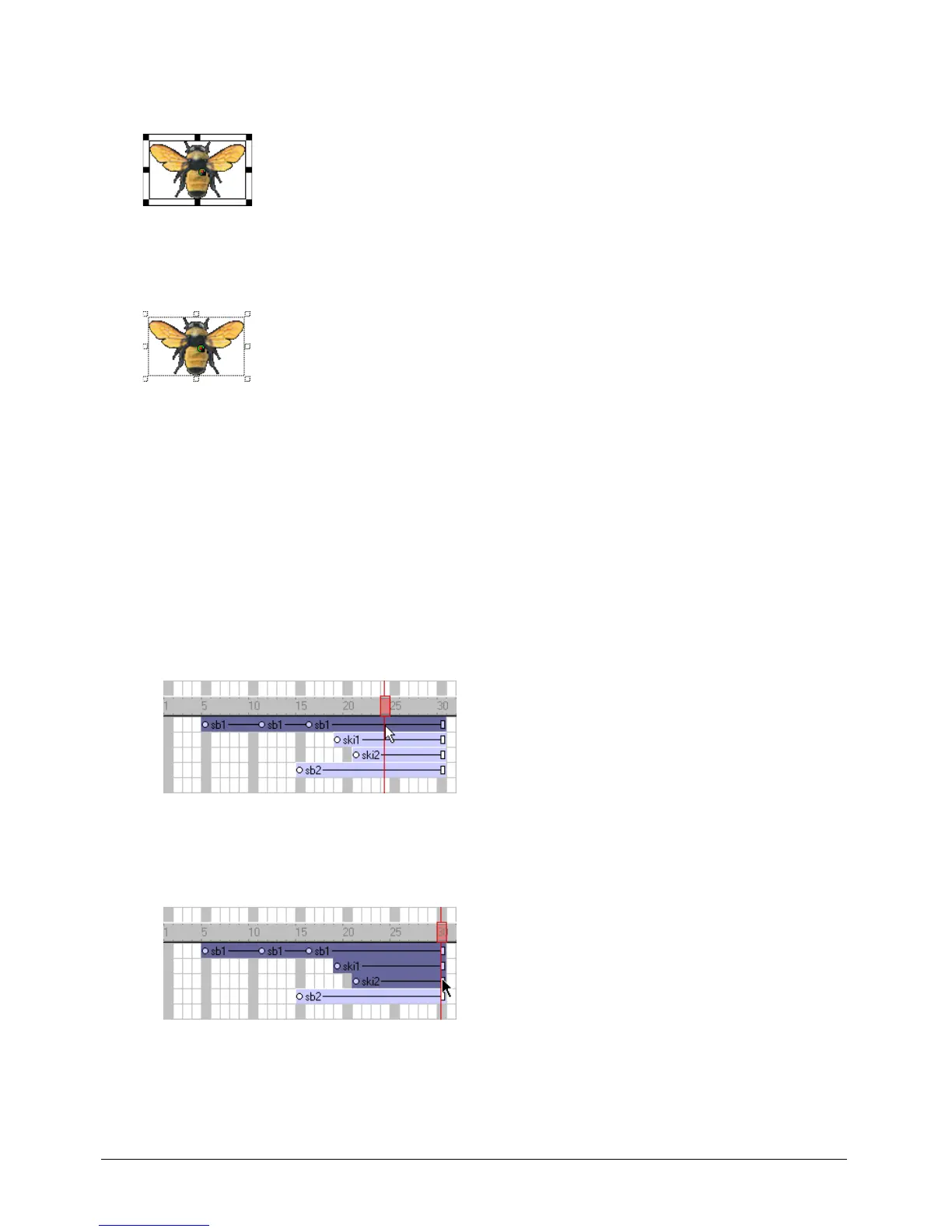
A selected sprite appears on the Stage with a double border. When you select a single frame within
a sprite, the sprite appears on the Stage with a single border.
Entire sprite selected
Single frame within sprite selected
To select sprites, do one of the following:
Note: The following techniques select an entire sprite only if Edit Sprite Frames is not enabled for the sprite(s)
you select.
• On the Stage, click a sprite to select the entire sprite span.
You can change sprite preferences so that selecting a sprite on the Stage selects only the current
frame instead of the entire sprite. See “Changing sprite preferences” on page 158.
• In the Score, click the horizontal line within a sprite bar; do not click the keyframes, the start
frame, or the end frame.
• To select a contiguous range of sprites either on the Stage or in the Score, select a sprite at one
end of the range and then Shift-click a sprite at the other end of the range. You can also drag to
select all the sprites in an area.



 To Next Page