Chapter 5166
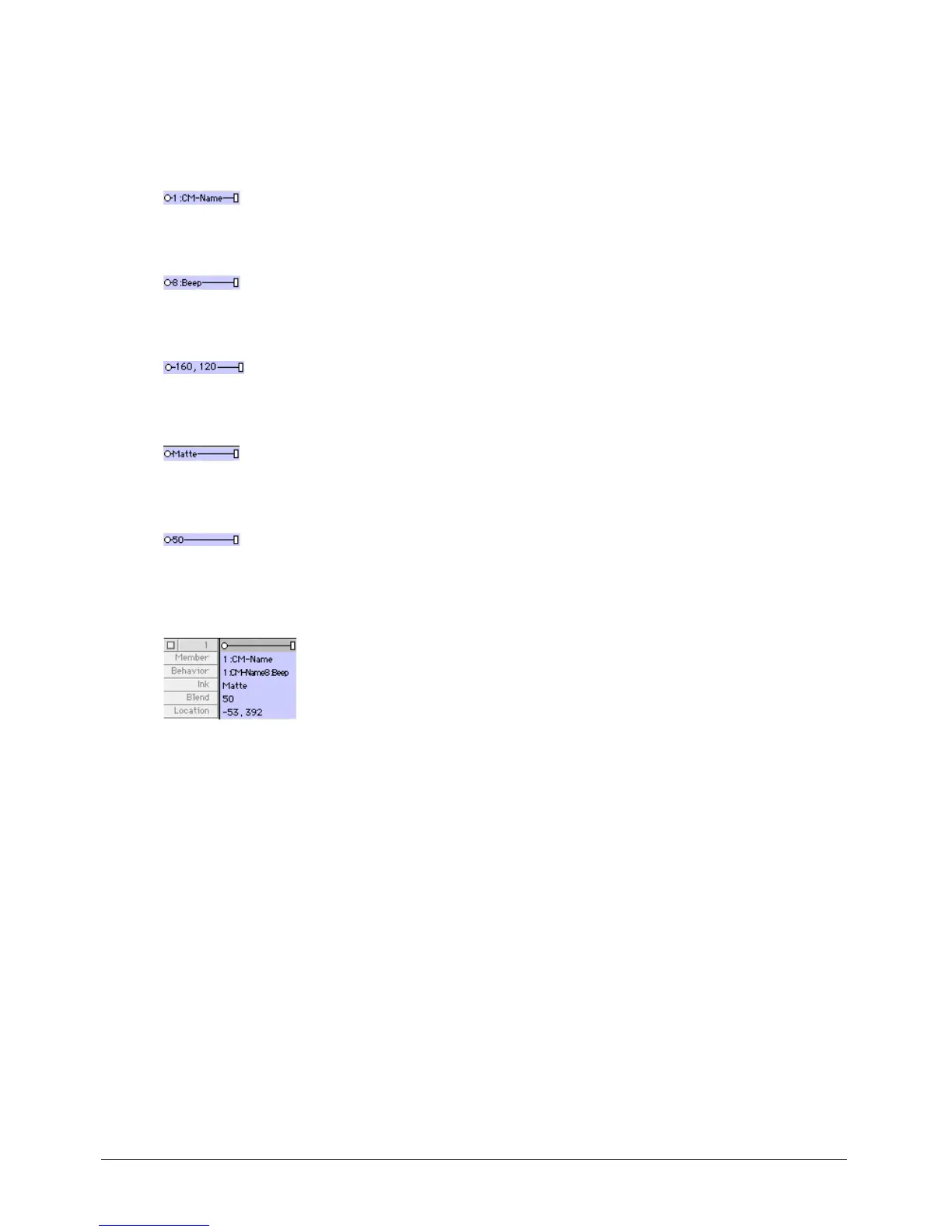
To change sprite label options:
• Select a display option from the Display pop-up menu in the Score or from the View > Display
menu.
Cast Member displays the name and number of the sprite’s cast member.
Behavior displays the behavior that is assigned to the sprite.
Location displays the x and y coordinates of the sprite’s registration point.
Ink displays the ink effect that is applied to each sprite.
Blend displays the blend percentage.
Extended displays any combination of display options; select options by selecting Edit >
Preferences > Score.
Editing sprite properties with Lingo
You can use Lingo to check and edit sprite properties with scripts as the movie plays.
To check a property value:
• Use the put command or check in the Watcher window. See put in the Lingo Dictionary.
To edit a property:
• Use the equals (=) operator or the set command to assign a new value to the property. See
=-(equals) and set...to, set...= in the Lingo Dictionary.



 To Next Page