Chapter 7216
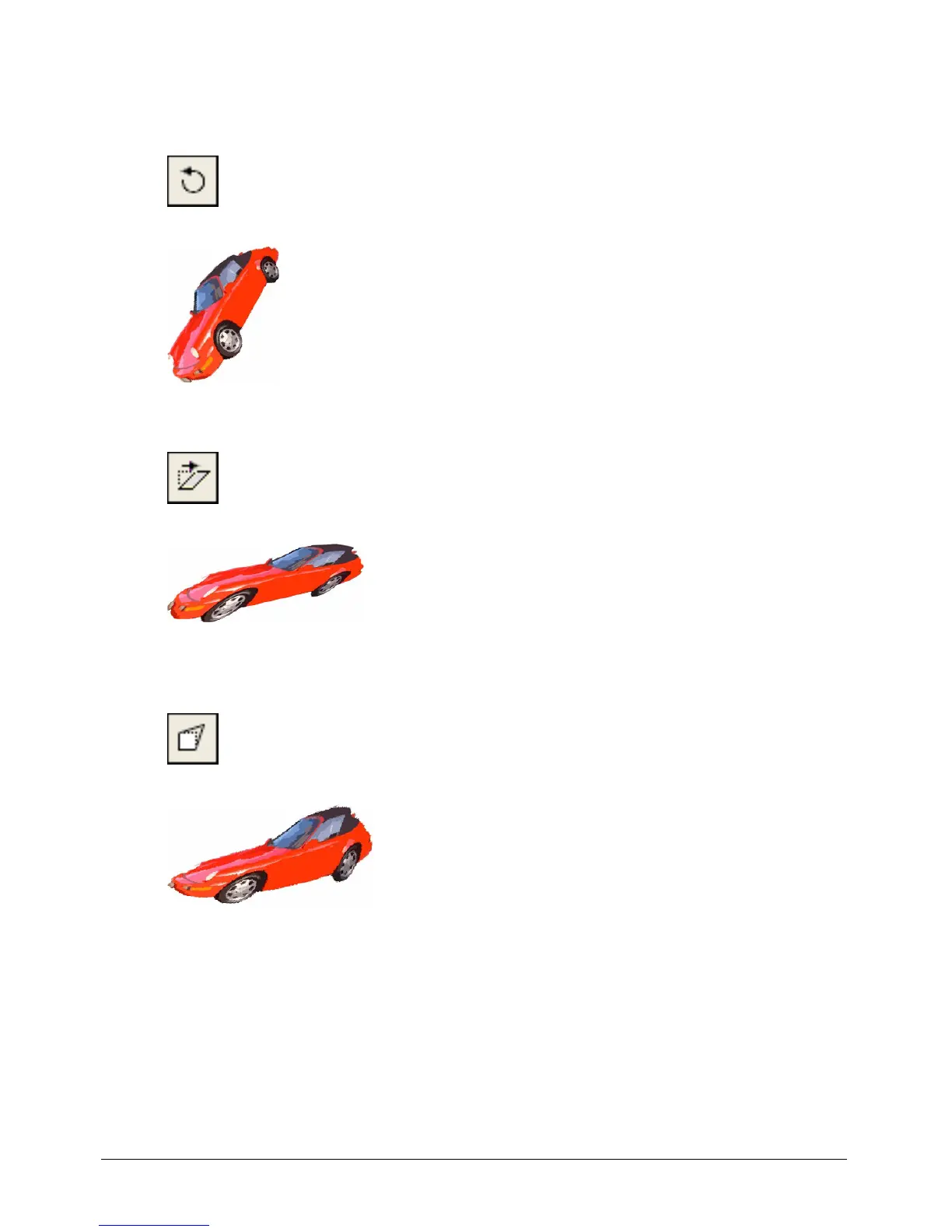
• To rotate the selection by any amount in either direction, click the Free Rotate button, and
drag the rotate handles in any direction. (You can rotate a sprite that contains a bitmap instead
of the bitmap. See “Rotating and skewing sprites” on page 176.)
• To skew the selection, click the Skew button, and drag any of the skew handles.
• To warp the shape of the selected area, click the Warp button, and drag any handle in any
direction.



 To Next Page