Chapter 9258
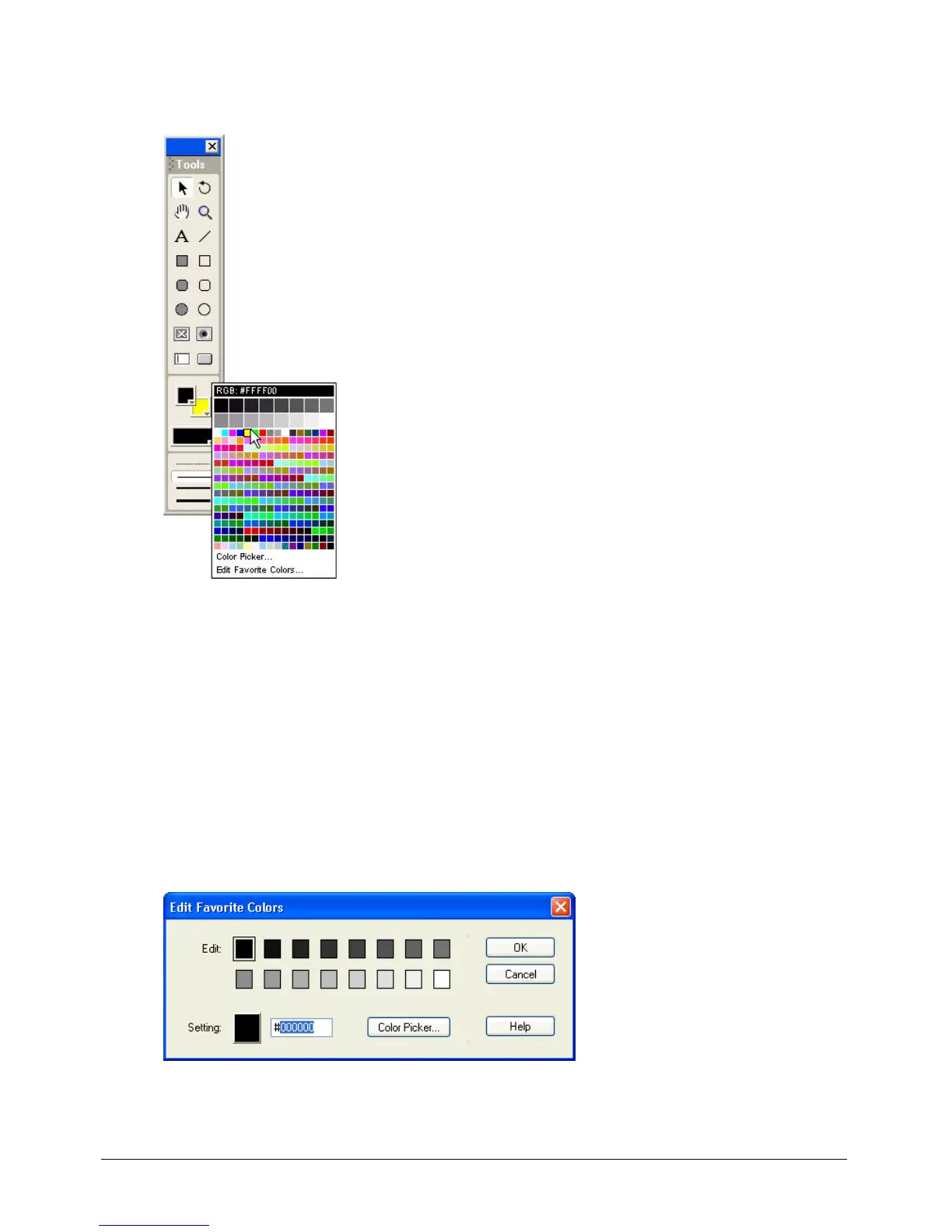
2 Click and hold the mouse button while pointing at the Foreground Color and Background
Color buttons.
Note: To open the Color menu in the opposite mode (RGB or index), hold down the Alt key (Windows) or Option
key (Macintosh) while clicking the color box.
To select colors not on the Color menu:
1 Open the Color menu.
2 Click Color Picker.
3 Use the color picker that appears to select colors.
To edit the favorite colors on the Color menu:
1 Open the Color menu.
2 Select Edit Favorite Colors.
3 Select the color box you want to change.



 To Next Page