Chapter 14358
To attach a behavior to a single sprite or frame using the Library palette:
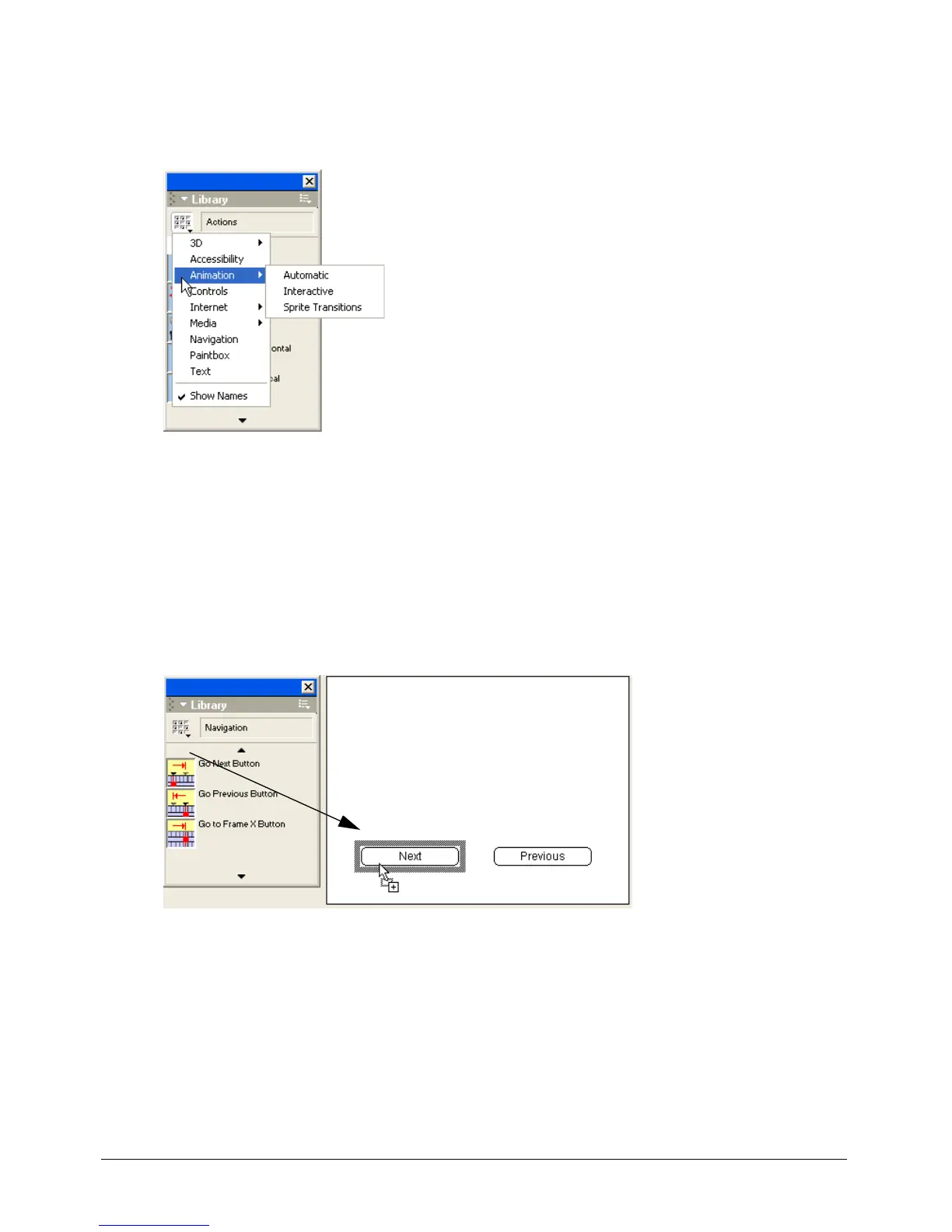
1 Select Window > Library Palette.
2 Select a library from the Library pop-up menu in the upper left corner of the palette.
3 To view a brief description of included behaviors, move the pointer over a behavior icon.
If the behavior includes a longer description, you can view it in the Behavior inspector. See
“Getting information about behaviors” on page 361. The behaviors included with Director
come with descriptions. Behaviors from other sources may not.
Select Show Names from the Library pop-up menu to turn the display of behavior names
on or off.
4 To attach a behavior to a single sprite, drag a behavior from the Library palette to a sprite on
the Stage or in the Score.



 To Next Page