Director MX Basics Tutorial 63
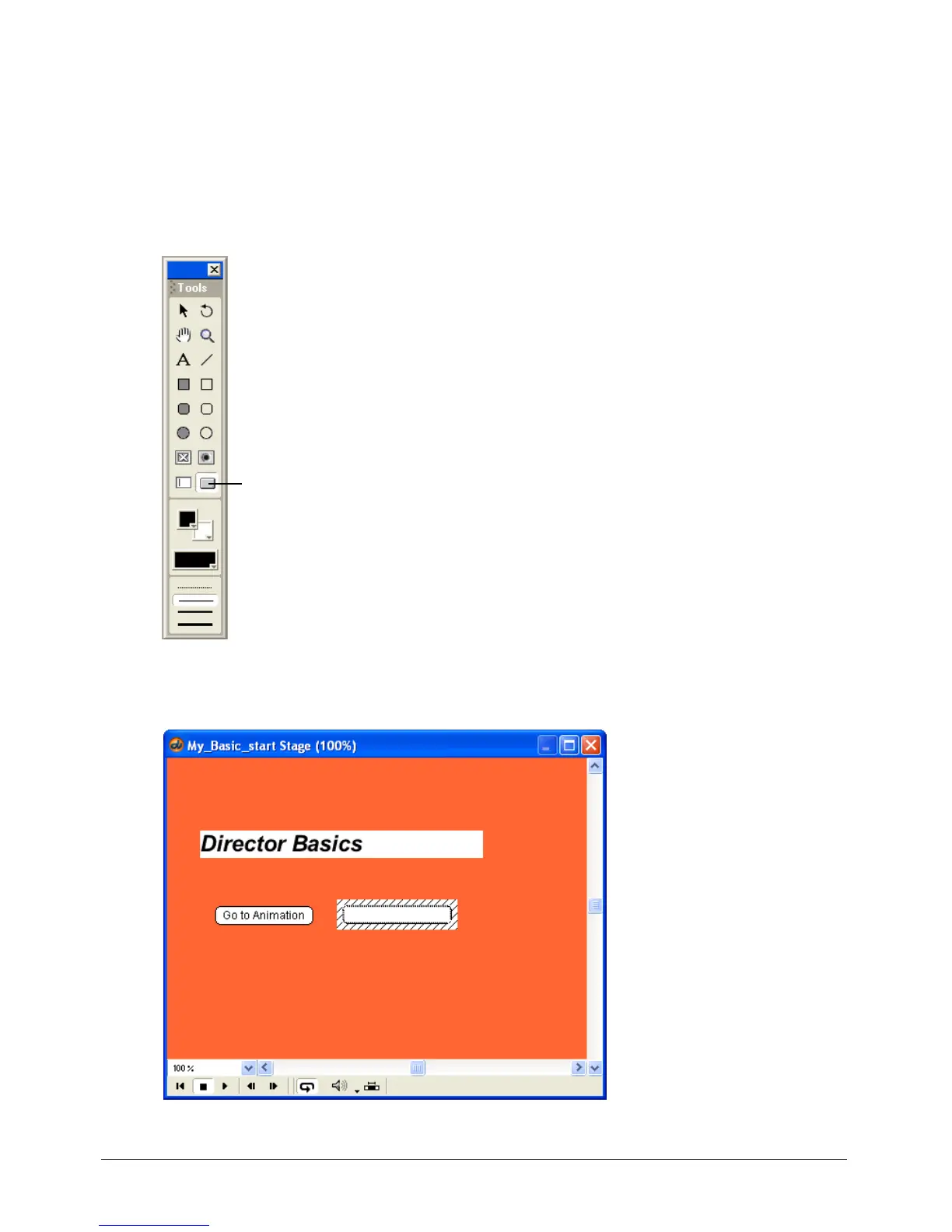
Remember that button cast members contain special functionality to automatically highlight
when clicked. Creating button cast members in Director is different from creating most other
cast members. Cast members are often created in separate windows and then dragged from the
Cast window to the Stage. You create a button cast member directly on the Stage using the
To ol p al e tt e .
You’ll use the Button tool to create a new button.
1 On the Tool palette (Window > Tool Palette), click the Push Button tool.
2 Drag a horizontal rectangle toward the right side of the Stage, as shown in the following
illustration:
Push Button tool



 To Next Page