Chapter 286
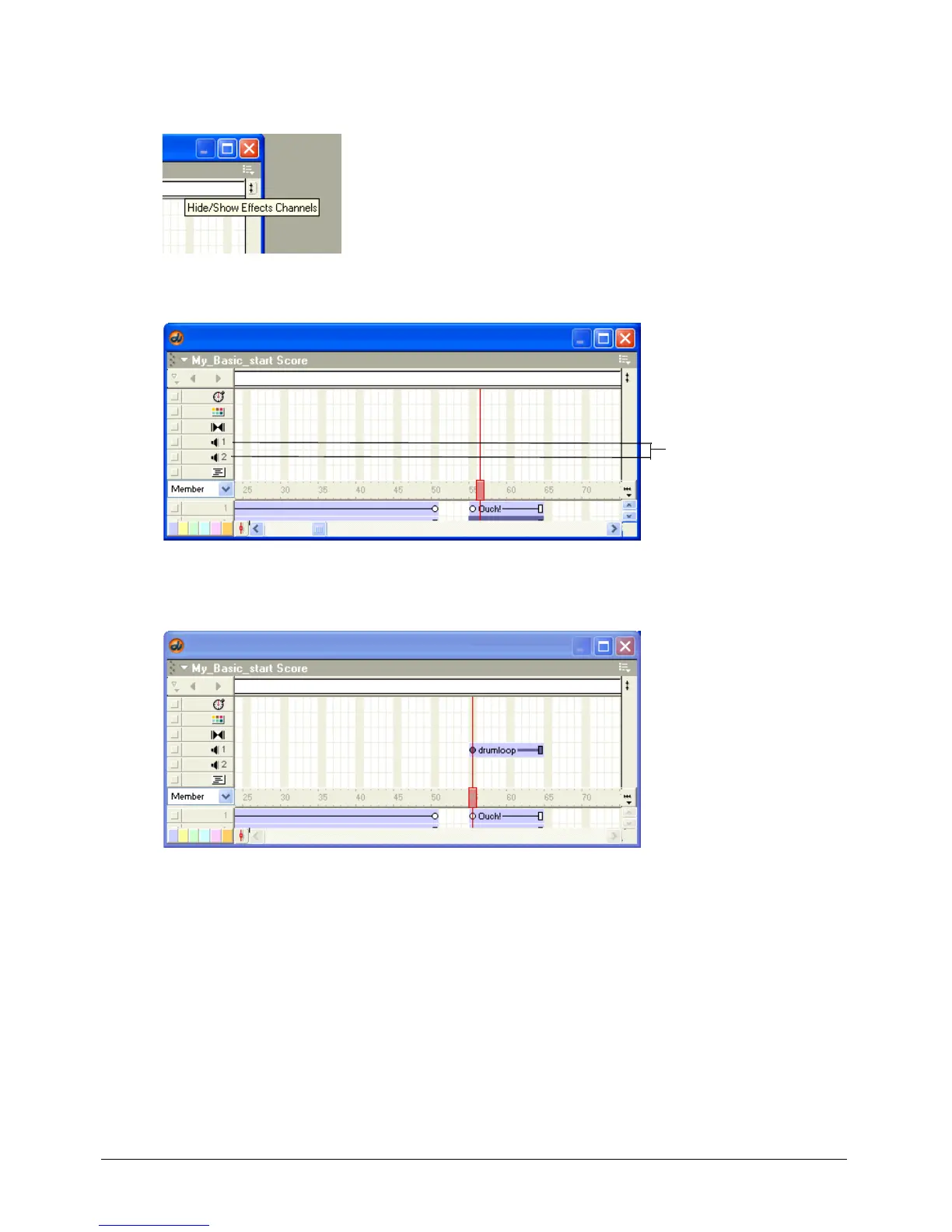
1 If the effects channels that appear above the frame number bar in the Score are not visible, click
the Hide/Show Effects Channels button in the upper right corner of the Score.
The effects channels appear.
Click frame 55 in the frame number bar in the Score. With the Cast window and Score open,
drag the drumloop cast member from the Cast window to frame 55 in sound channel 1.
The sound is now ready to play when frames 55 to 64 of your movie play.
2 Rewind and play your movie.
The playhead moves through all the frames of your movie quickly. Notice that there isn’t
enough time for the QuickTime sprite or the drumloop sound to play through before the
playhead reaches frame 64. Later you’ll add Lingo to solve this problem.
3 When you finish viewing the movie, either click the Stop button on the Control panel or select
Control > Stop.
Sound channels



 To Next Page