━ Installation Settings And Test
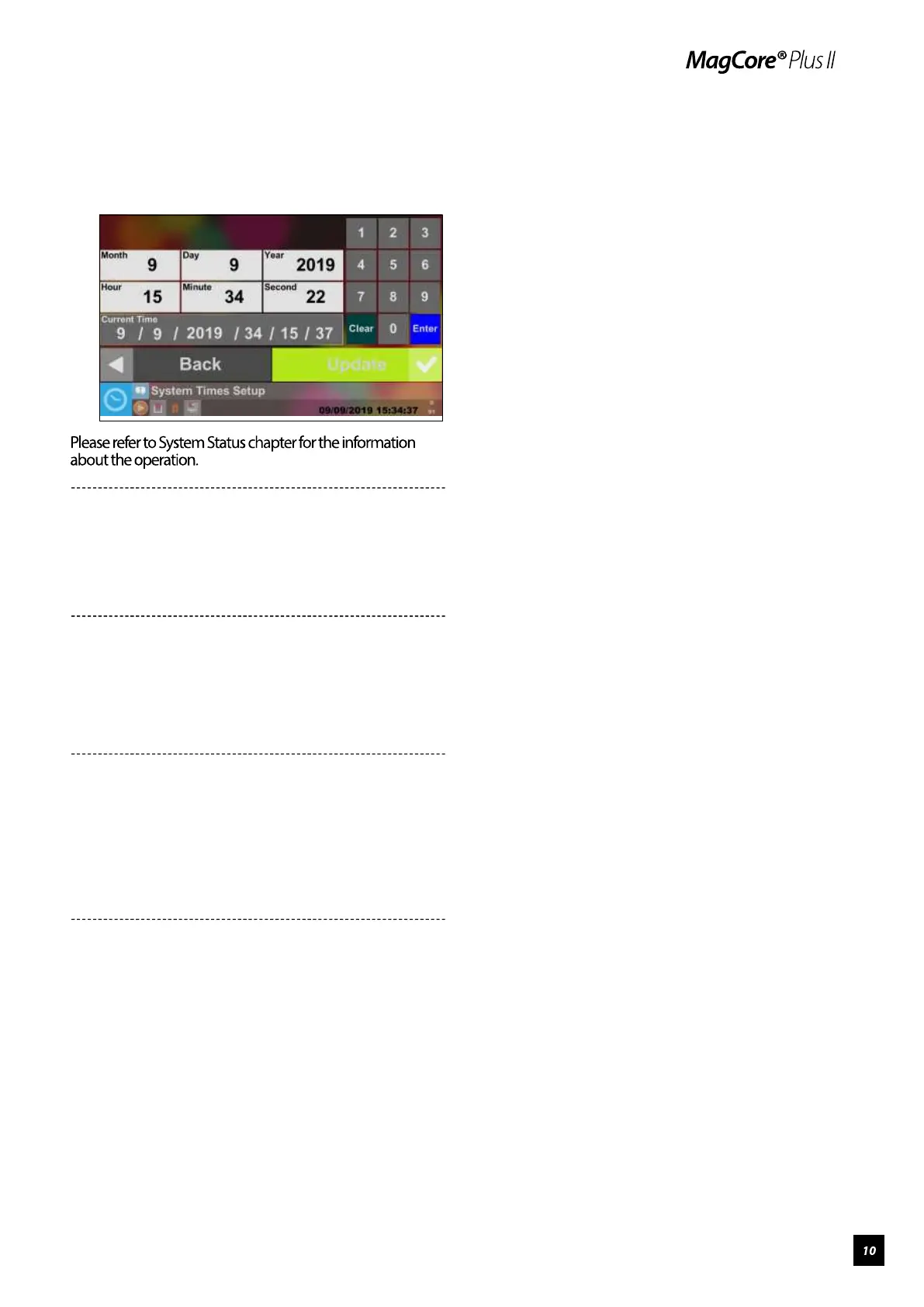
Step 1.
Please Set Up the Local Time.
Step 2.
Set the Instrument Nickname
Go to Page 15
Step 3.
Network Connection Settings
Go to Page 15
Step 4.
Test Piston
Please refer to Piston Test chapter for information
about the operation.
Step 5.
Test Heater
Please refer to Heater Test chapter for information
about the operation.



 To Next Page