━ Replace the pistons
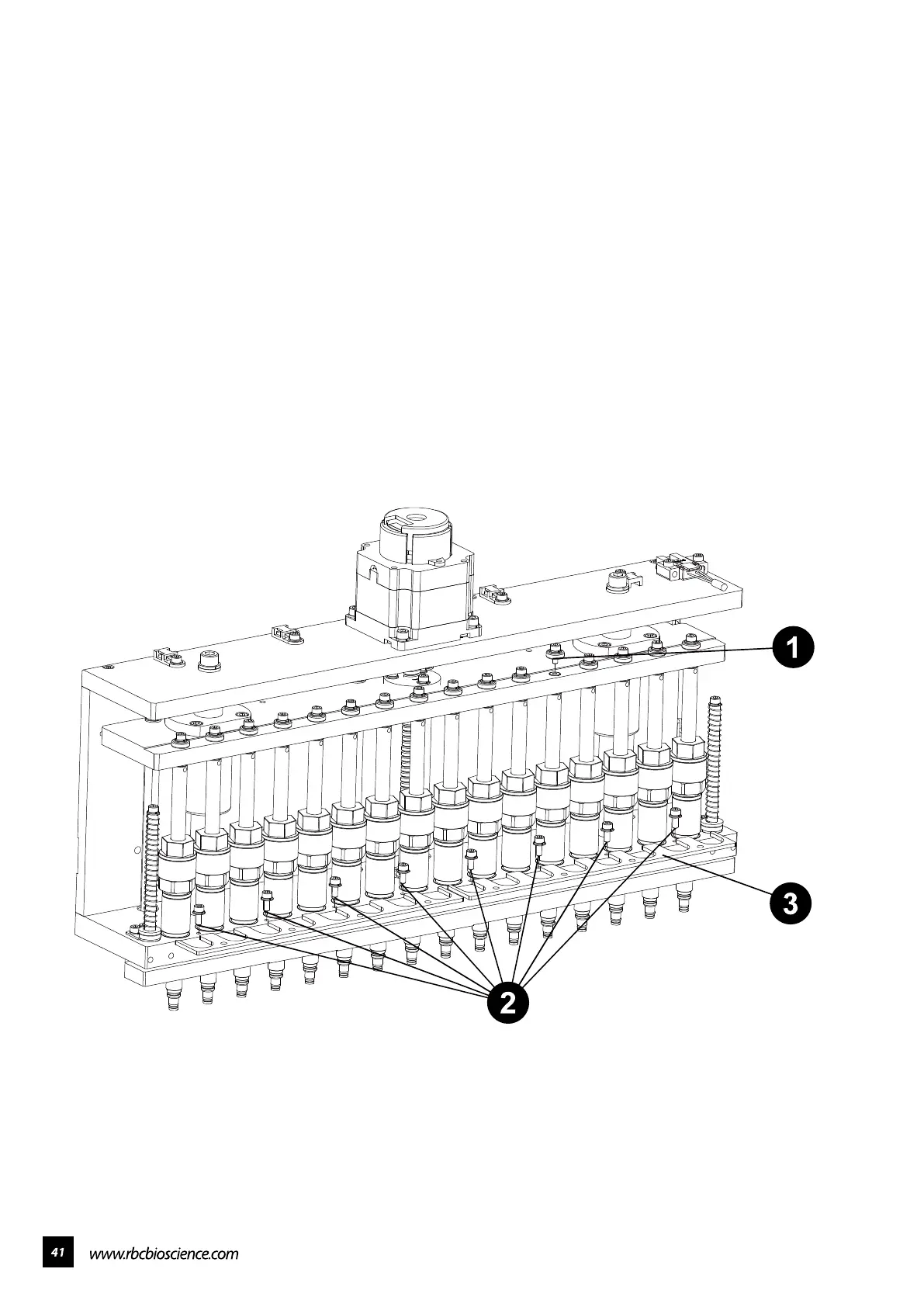
1. Remove the screw on top of the fault piston.
2. Remove the eight screws on the metal sheet.
3. Remove the metal sheet.
4. Disassemble the fault piston then install a new one.
5. Screw back the top screw of the piston.
6. Screw back the metal sheet.



 To Next Page