━ HMI Software Update
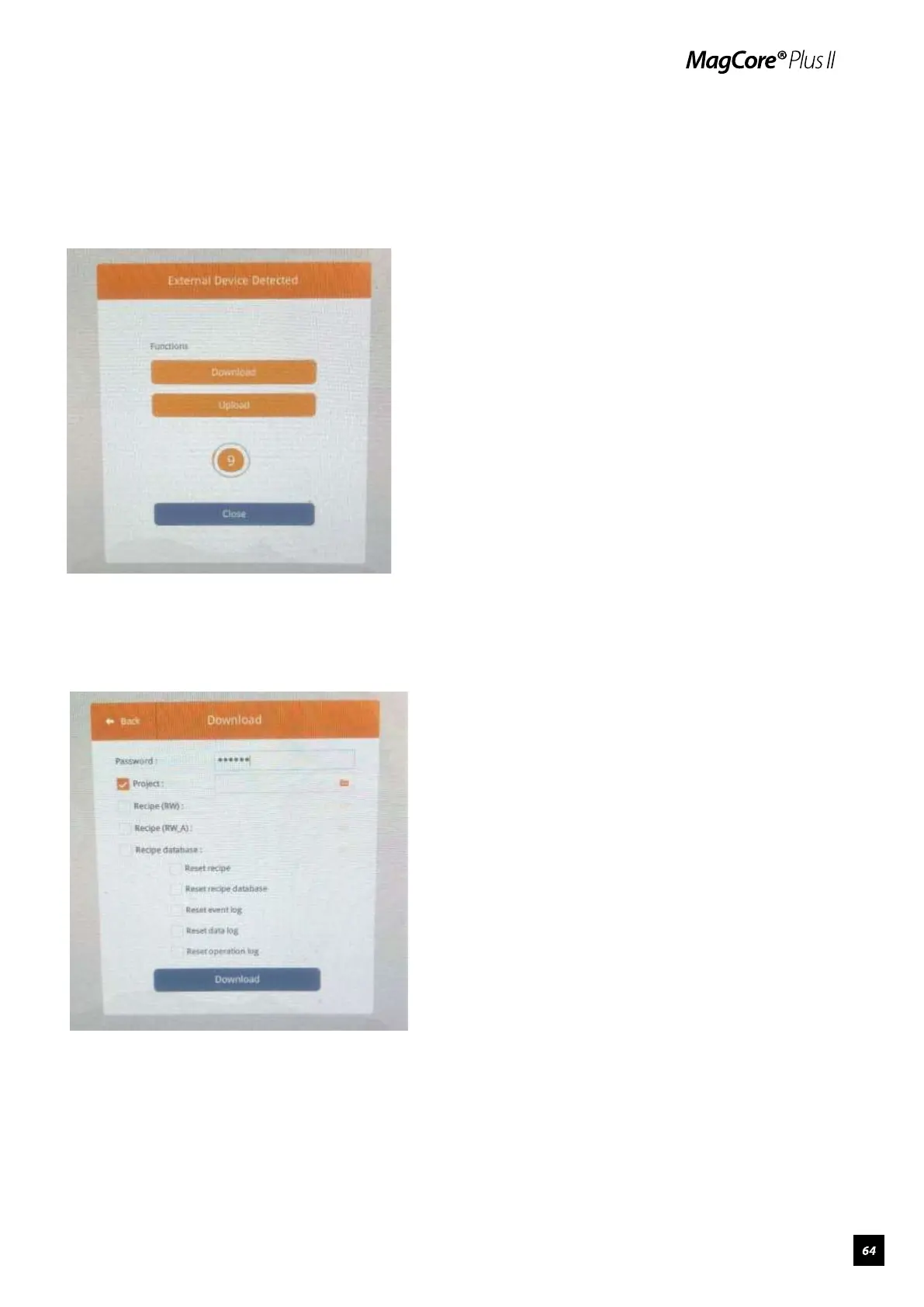
1.Copy HMI software to root directory of USB flash drive, insert the USB drive
to the USB port. The HMI software update interface will open automatically
after USB flash drive is detected, tap “Download”.
2.Enter password 111111 (six ones), check “Project”, then tap the folder
icon.



 To Next Page