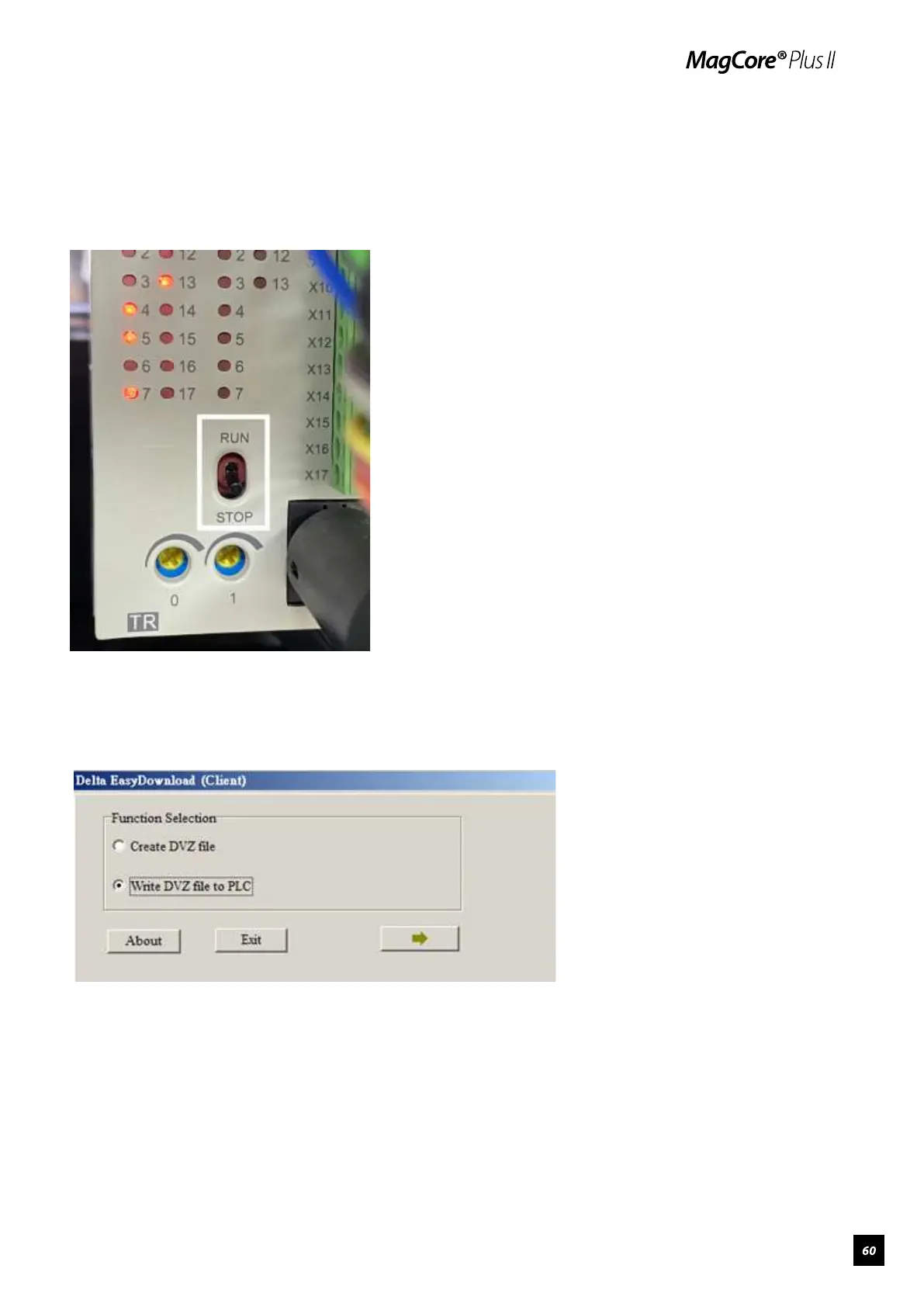
4.Turn the switch from "Run" to "Stop" on PLC (marked in frame), plug the
PLC-RS232 connection cable and connect with the computer, then turn on
the machine power.
5. After the machine power is turned on, open “EasyClient”, then select
“write DVZ into PLC” and click the arrow for next step.



 To Next Page