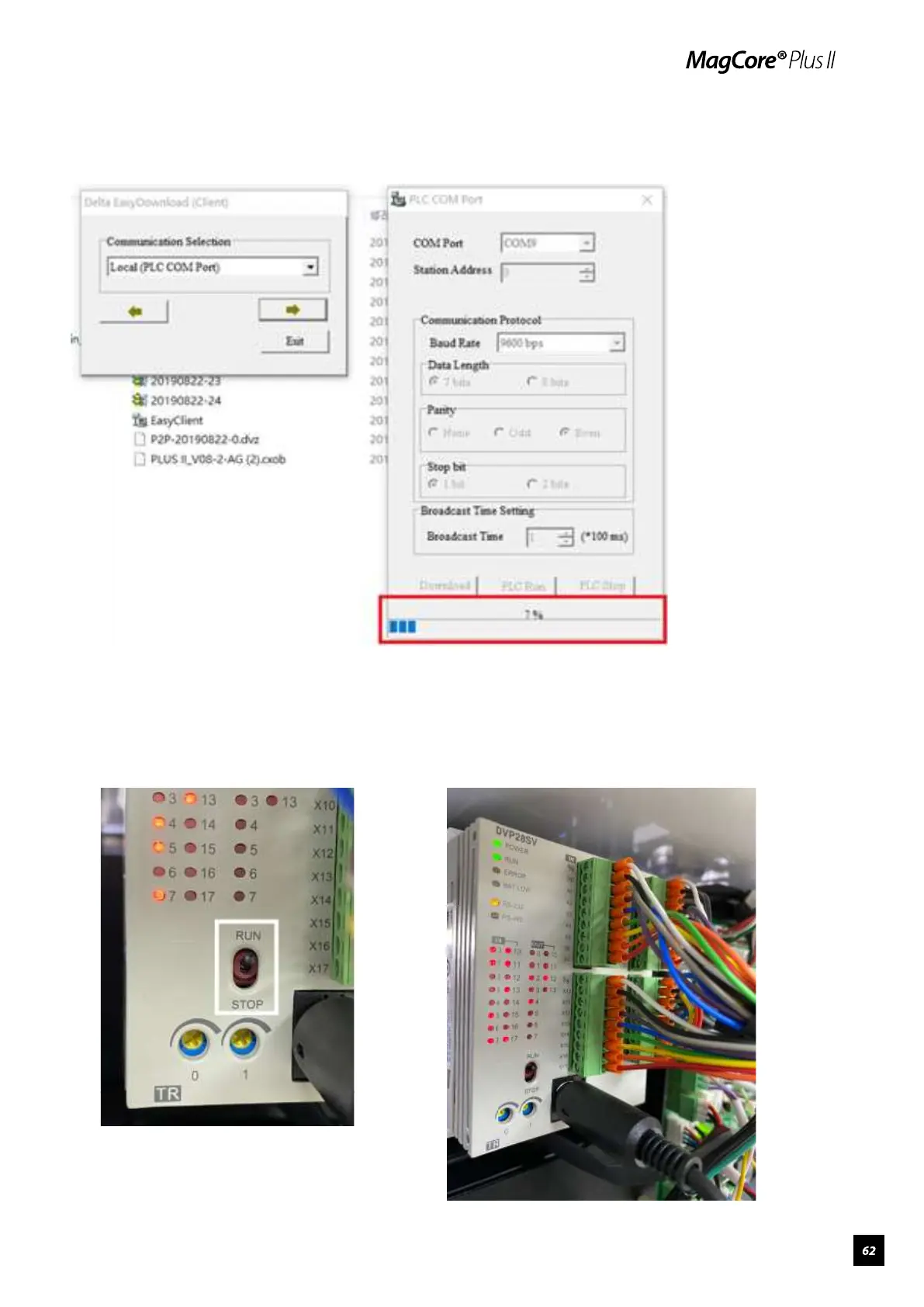
8.Download progress bar will be displayed if connected successfully, the
downloading progress takes about 10 minutes.
9.After the download is completed, turn off the power, turn the switch from
“Stop” to “Run” on PLC (marked in frame), unplug the PLC-RS232
connection cable (the cable linked with computer) and plug in the original
interface cable.



 To Next Page