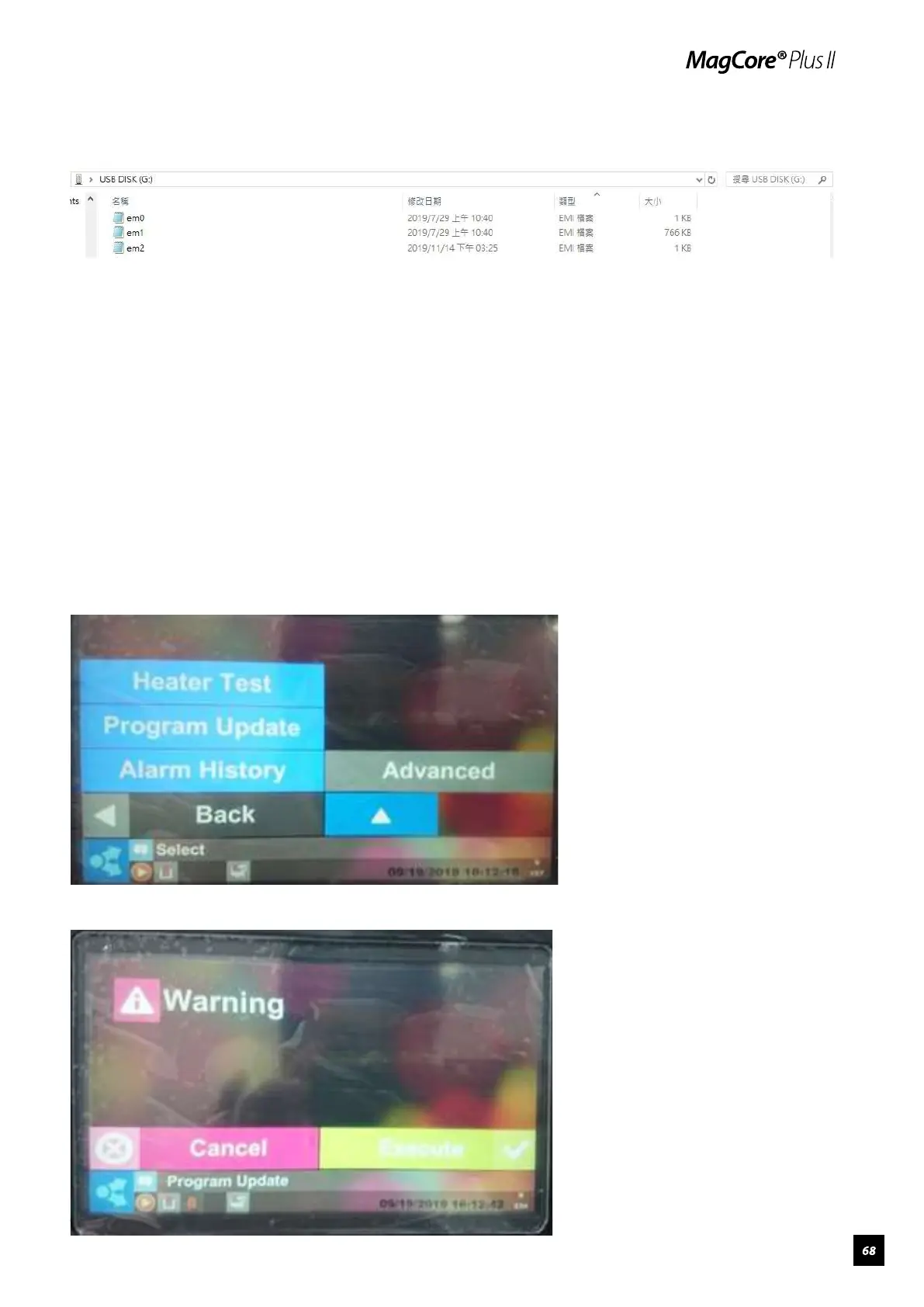
3.Copy the 3 files (em0, em1, and em2) to the root directory of a FAT32
formatted USB Flash Drive.
4.Tap “Maintenance”, tap next page, then insert USB. Please tap “Close”
when you see a device detected pop-up.
5.Tap “Program Update”, then tap “Execute”.



 To Next Page