milliseconds, which ranges from 0 to 10000. The default value is 10000ms.
Latency: possible values are 30 ~ 8000ms. The default value is 120ms. We
recommend that you set the same latency for SRT caller and listener.
■
Bandwidth: indicate the portion of the total bandwidth of a stream required
for the exchange of SRT control and recovery packets. Available values are 5
~ 100%, and the default value is 25%. A worse network condition requires
more bandwidth for overhead to ensure normal transmission.
■
MTU: specify maximum transmission unit (MTU) in bytes, ranging from 232
to 1500. The default size is 1496.
■
Stream ID: specify Stream ID of 0 to 256 characters which should be
consistent with that of its sender.
■
Encryption: specify the stream encryption algorithm to ensure the data
security, options are not used, AES-128/192/256.
■
Passphrase: specify stream key of 10 to 79 characters, which is the same as
the SRT listener.
■
Network: The device scans for the available network according to the
connection priority and connect to it for streaming. If the current network is
disconnected, the unit automatically re-scans according to the priority.
By default, the network connection priority is: Mobile Broadband > Ethernet
> Wi-Fi.
Plug a USB modem into your encoder while using mobile network to
stream.
■
Test: check the connection between the server and encoder.
■
Save: save current configuration.
■
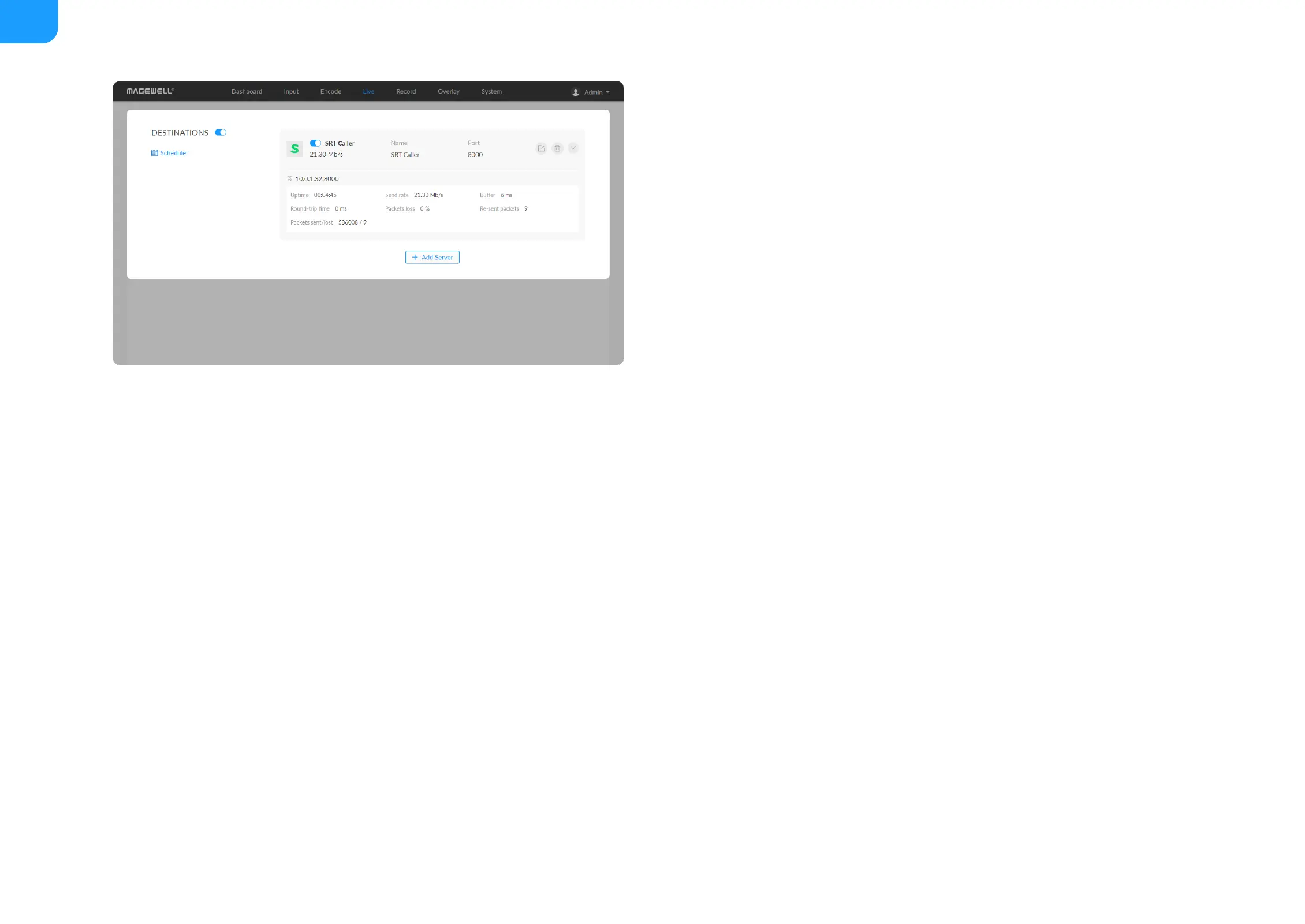
Go back to Live tab, you can check the SRT Caller stream sending
■



 To Next Page