IP Address shows the IP Address of the backup NDI channel which is
automatically obtained after you select the backup NDI source.
■
Receiver Control: turn on Web control to enable you to open the Web UI
by clicking the gear icon in the NDI Studio Monitor application.
■
When streaming NDI |HX2, the encoder would send dual streams
simultaneously.
■
®
When streaming NDI |HX3, the encoder would send the dual streams
simultaneously, and sub streams format is fixed as 640x360, 30FPS, 3Mbps.
The bit rate type of both main and sub streams are CBR, and the key frame
interval both are 20.
■
®
The encoder can stream 2 NDI |HX2 sessions with other protocol streams.
■
®
When streaming NDI |HX3 session, no other session can be started
simultaneously. 1 NDI |HX3 sessions can be started simultaneously.
■
®
®
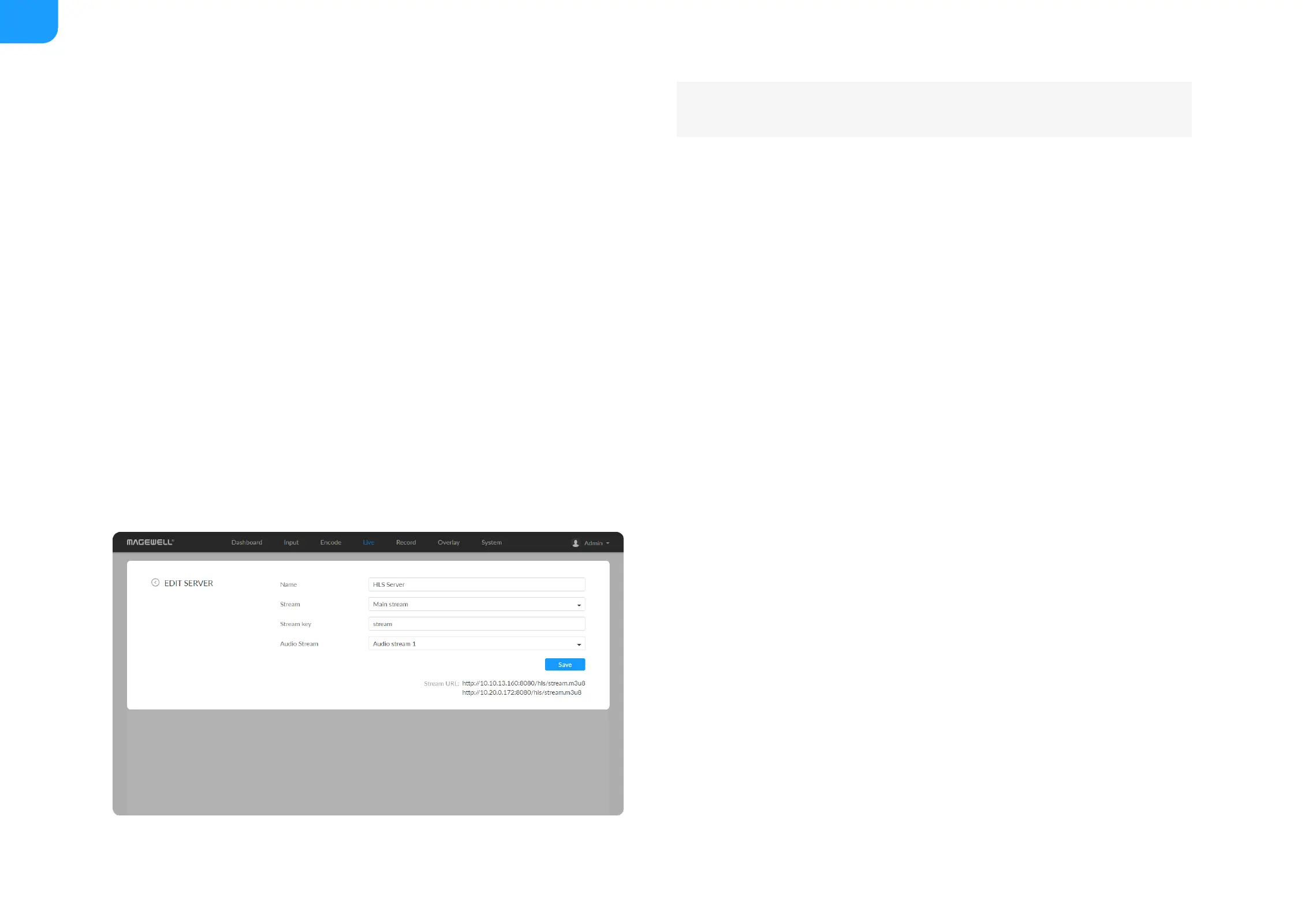
Name: specify a name for current task to facilitate server management,
which will be displayed in server list. The name can be 1~30 character.
■
stream: options are main stream, and sub stream. Modify the stream profile
in Encode tab.
■
Stream key: set key for your chosen stream. The keys of dual streams
should be different.
■
Audio Stream: options are Audio stream 1 ~ 4, and the default is Audio
stream 1. Audio stream parameters can be set in "Encode > AUDIO
STREAM".
■



 To Next Page