ReTransfer ID Card Printer – User Manual
12
INSTALLING THE DRIVER (Cont…)
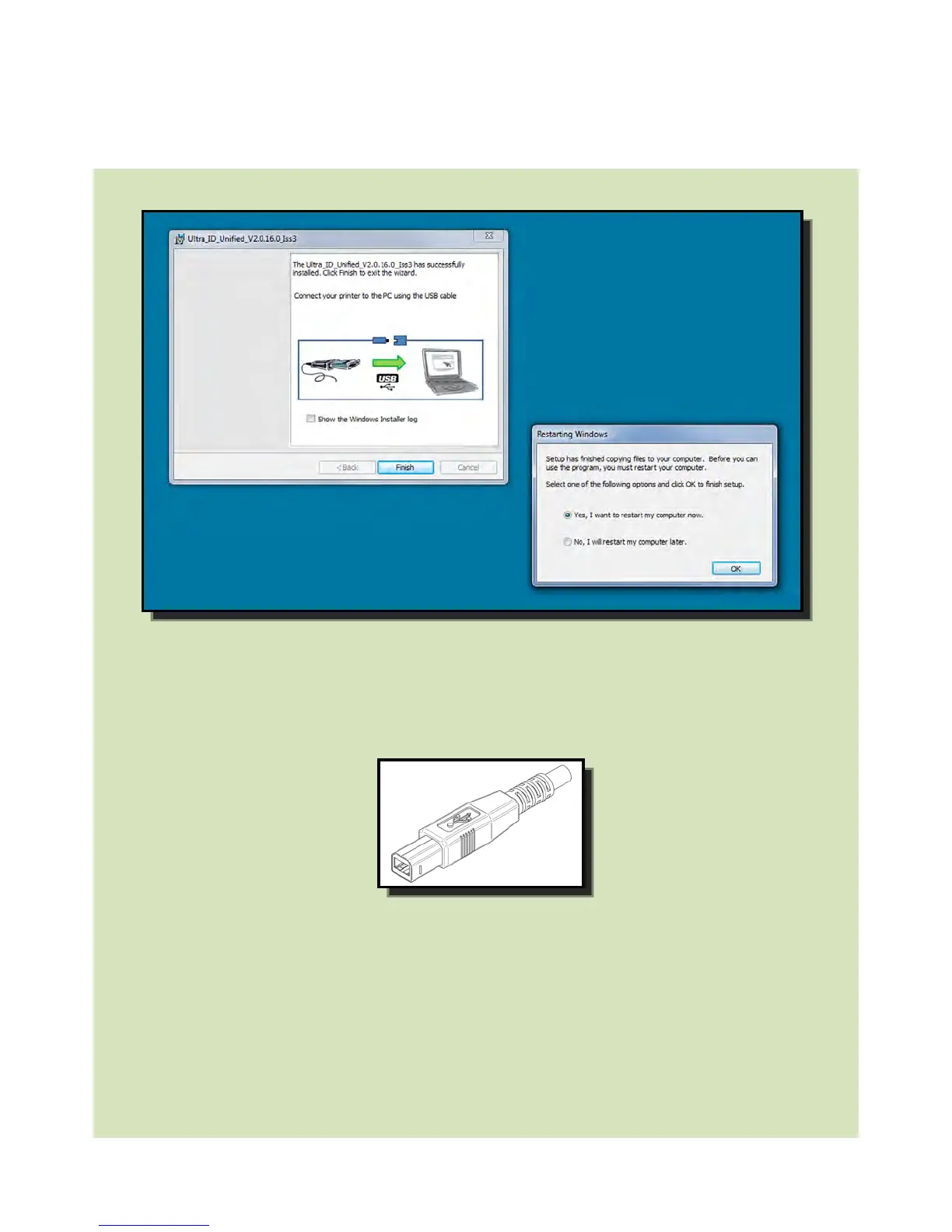
hen the Driver has completed it’
s installation, connect the USB cable
below). Now restart the Computer.
2. When complete you should now see the installed Driver icon on the Devices and
Printers window on the Computer (this may take several seconds as the Computer
needs to configure the USB Port in order to communicate with the Printer).
3. Installation complete!















 To Next Page