ReTransfer ID Card Printer – User Manual
25
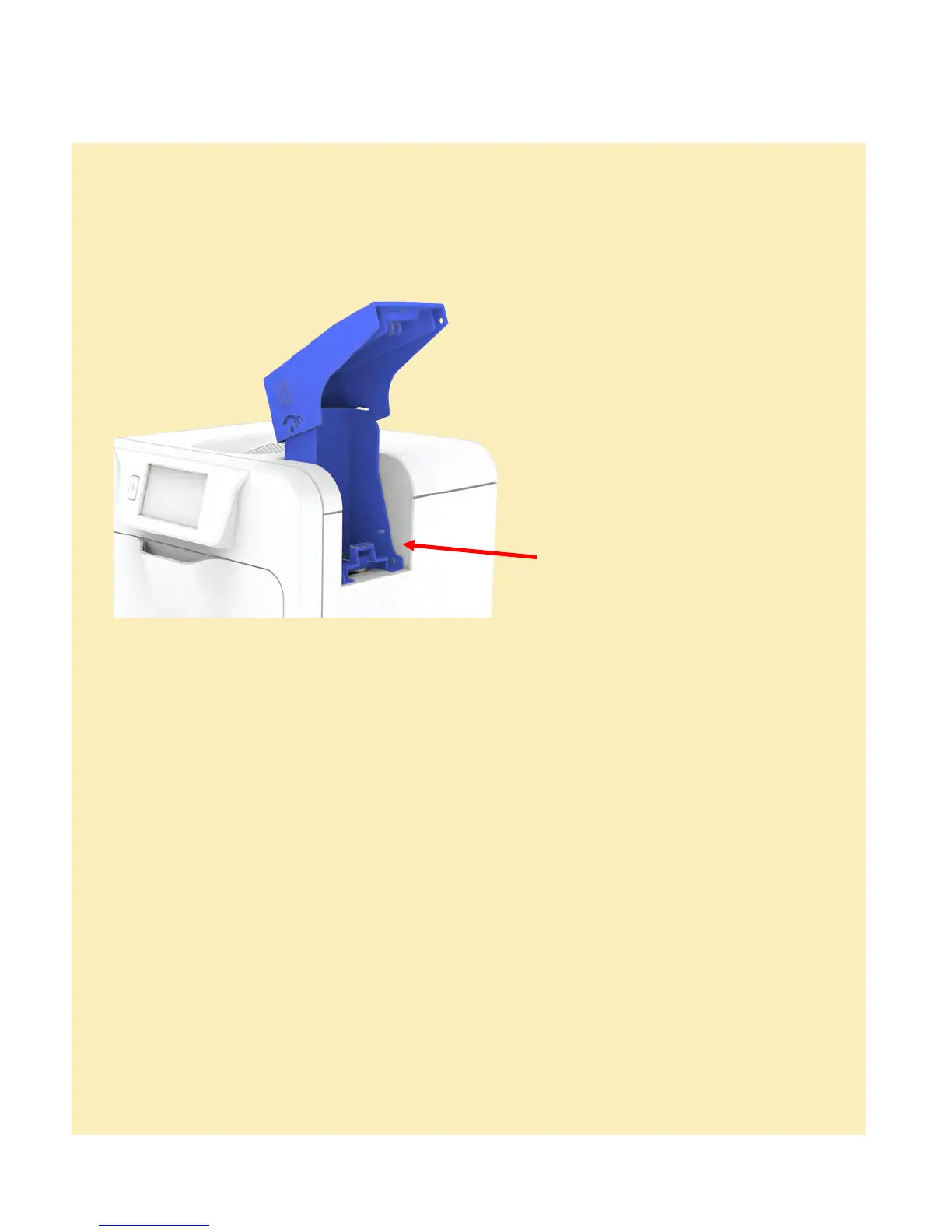
Remove the card feed Hopper.
Open the door and remove the film cassette. It may be necessary to turn the upper transfer film
spool clockwise in order to free the film from the card if adhesion has occurred.
Close the door. The printer will perform an initialisation routine and then attempt to eject the card.
If this fails and another card jam error is reported, select the retry option on the LCD and the
printer will perform an alternative card eject routine.
If the card fails to eject and a card jam error is still displayed open the door and inspect the
printer to locate the card position.
If accessible from the card feed area, attempt to retrieve the card by hand.
If this is not possible then use the ‘Move card’ feature which will turn the drive rollers in the
required direction in order to free the card. Important: Using this method the card should be
ejected from the right hand side of the printer (feed Hopper location).
If the card still cannot be retrieved then please contact Technical Support for further assistance.
Using Magnetic Stripe Cards
In the event of a Card jamming in the printer
optional Magnetic Encoding module,
you can print and encode the magnetic
stripe on the rear of a magnetic stripe
Card in one operation.
Magnetic stripe formats:
ISO 7811 (HiCo/LoCo)
JIS2
Custom formats
When loading Magnetic Stripe Cards,
make sure the stripe is uppermost with
the stripe closest to the body of the
Printer.















 To Next Page