ReTransfer ID Card Printer – User Manual
13
THE PRINTER DRIVER SETTINGS
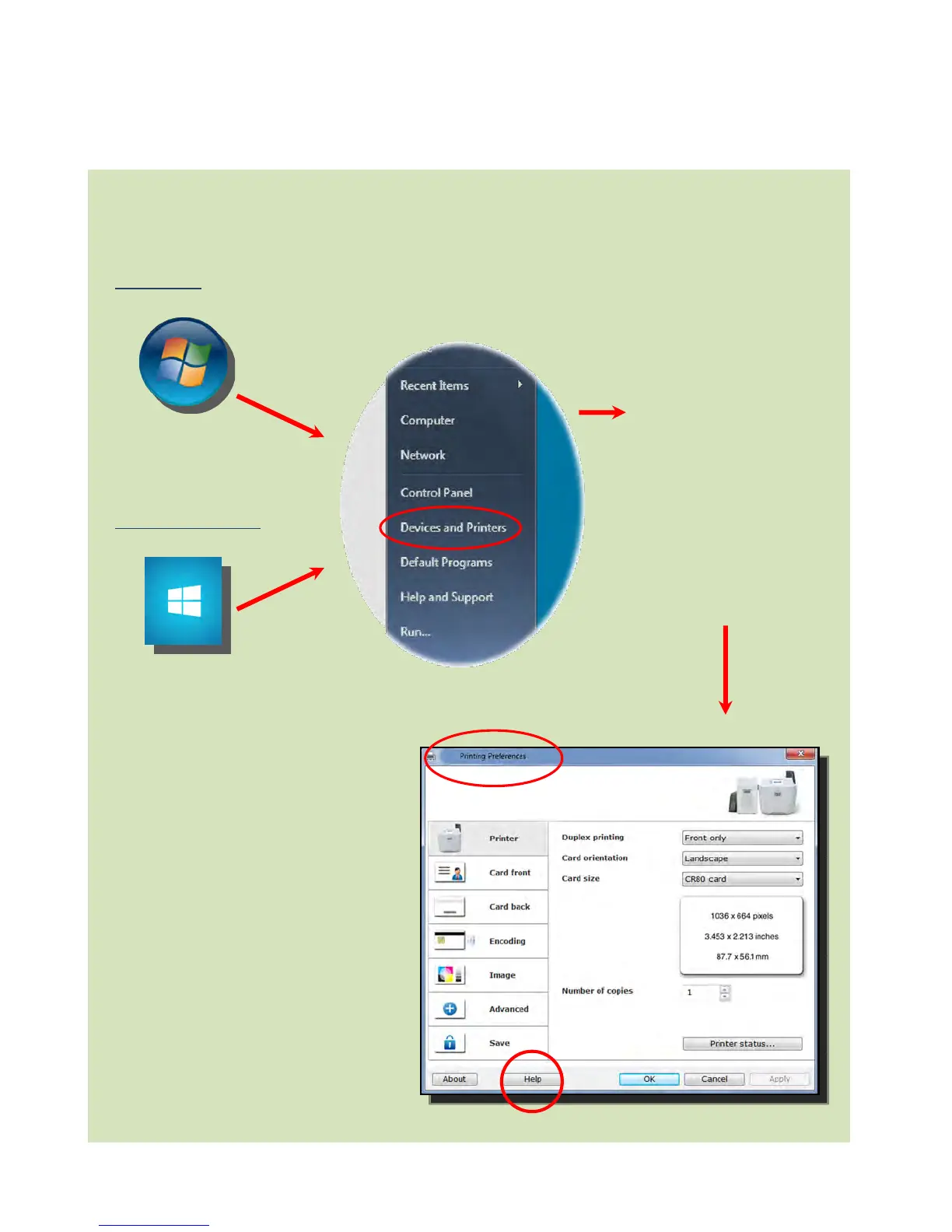
Accessing the Driver Preferences Settings:
Windows 7
Windows 8/8.1/10
Help with Driver Settings:
The Printer Driver contains a built-in
help file (in HTML format) – this file
gives an excellent, clear explanation
of each Driver setting.
To view the Driver’s help file, go to
the Printing Preferences (as
described above), and click on the
“Help” Button.
Open the Devices and
Printers Window.
Right-click on the
Printer icon.
Select Printing
Preferences.















 To Next Page