ReTransfer ID Card Printer – User Manual
7
FITTING THE PRINTER ACCESSORIES
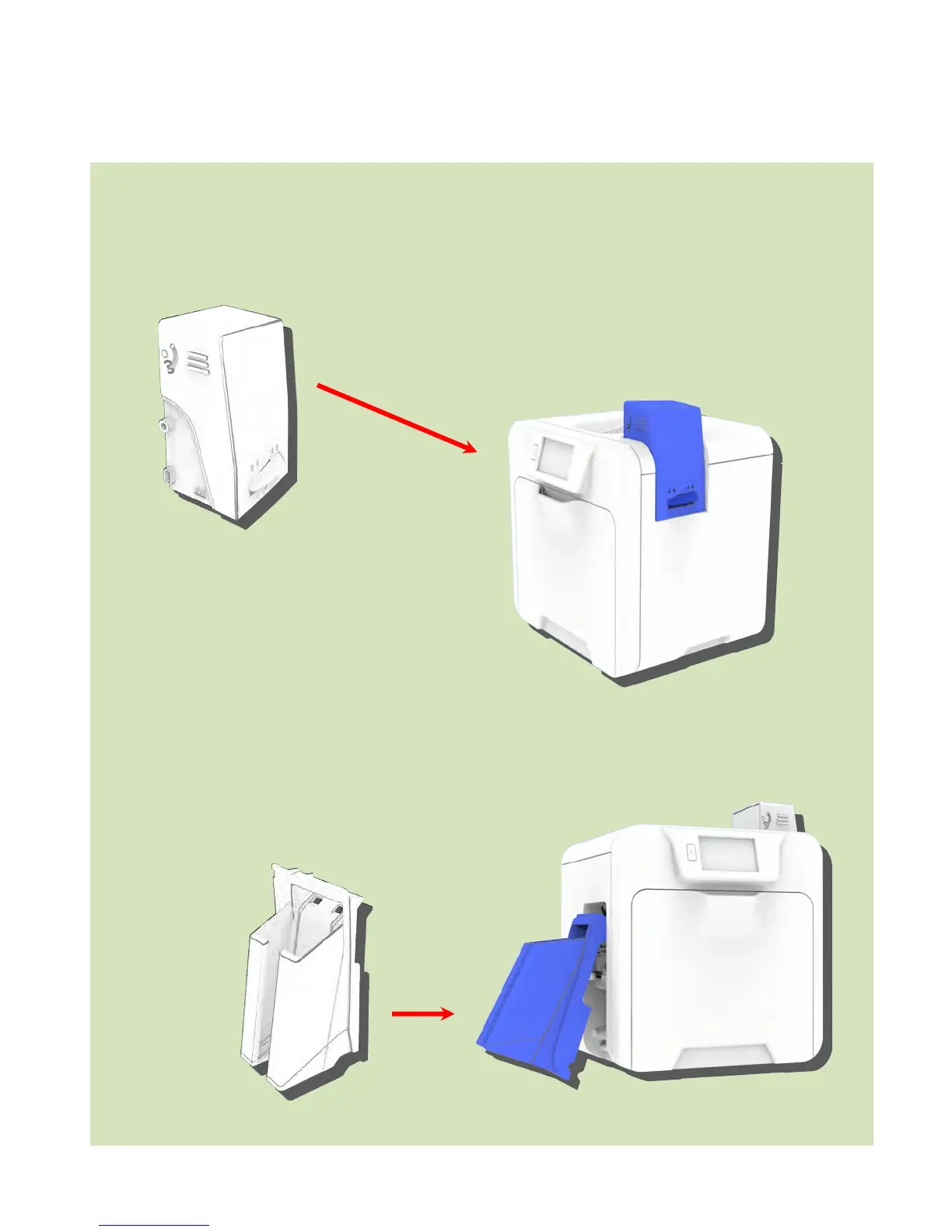
Card Feed Hopper:
Insert the Hopper into the aperture on the right-side of the
Printer and click into place.
Always fan the Cards to ensure these do not stick together
due to a build-up of static electricity.
Try to handle the Cards as little as possible before printing.
Card Stacker:
Insert the Stacker into the aperture on the
left-side of the Printer and click into place.
The Stacker can hold up to 200x 30 thou
(0.76 – 1.02 mm) thick Cards.
Card Stacker
Card Feed Hopper















 To Next Page