ReTransfer ID Card Printer – User Manual
9
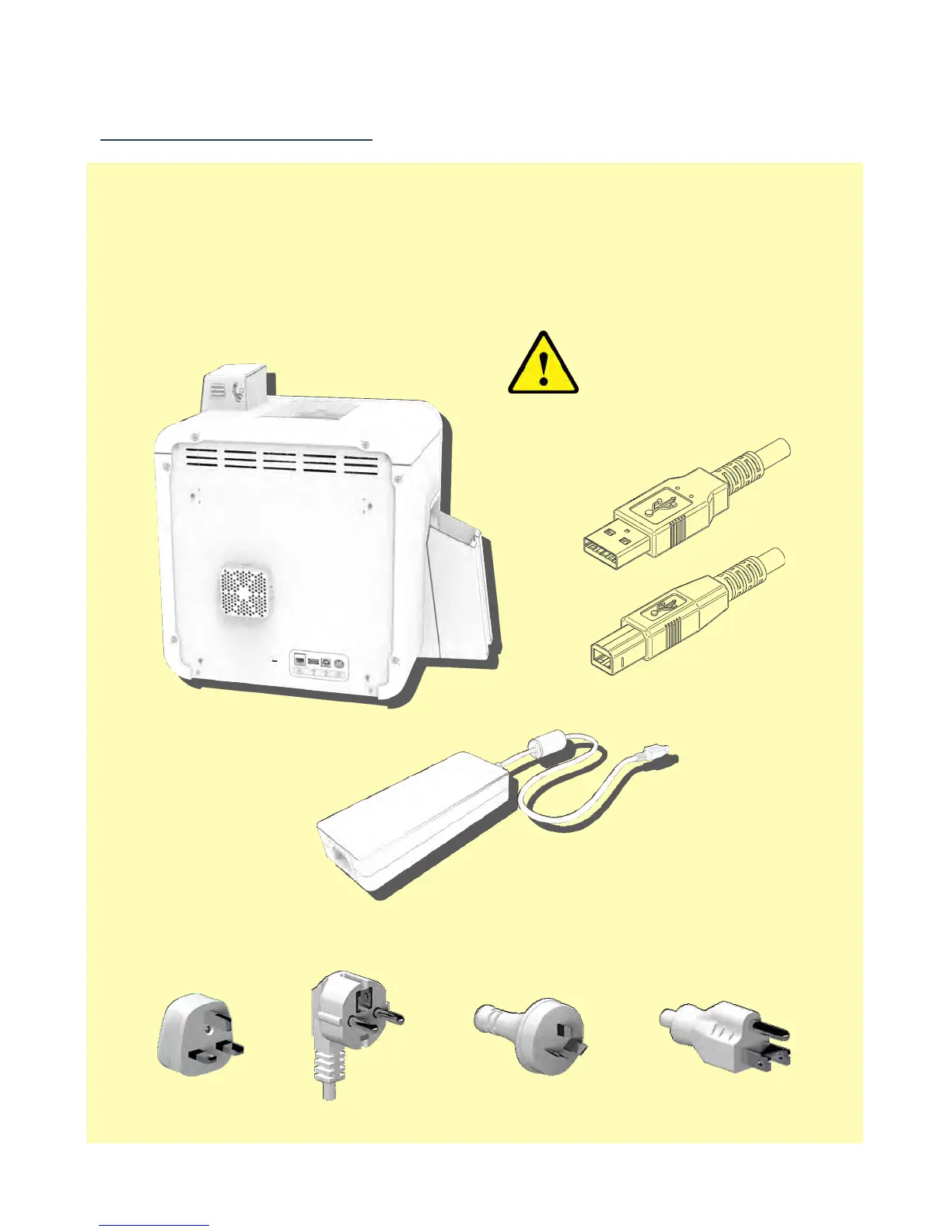
Connect the Power Supply
Power Supply Unit (PSU) to the rear
of the Printer but do not
connect the USB cable at this stage.
Printers will despatch with the correct regional mains connector (which will
include one of the following illustrated below).
IMPORTANT:
Do not connect the USB until
the CD ROM Driver has been
installed.















 To Next Page