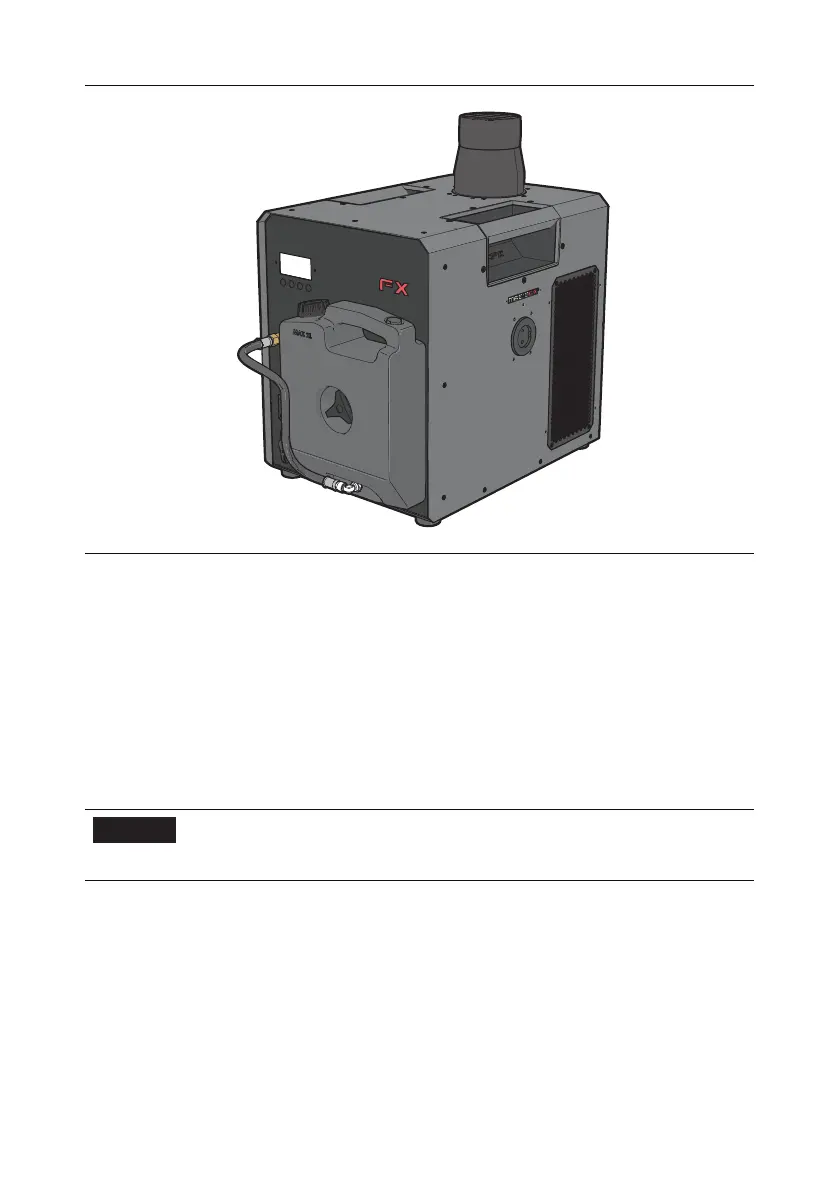
30 MAGICFX
®
ECO2JET
®
- User and Installation Manual
3.5. CONNECT DMX AND POWER
1. Connect a power cable with a Powercon TRUE1 Female connector to the power
input. Connect the other end of the power cable to a 210–240 Vac (50 – 60 Hz)
power source.
2. Connect the female connector of a 5-pole DMX cable in the DMX input.
Connect the other end of the DMX cable to your DMX controller.
3. Optionally link the power output and the DMX output through to another
machine.
4. Optionally set the heat-up power mode.
NOTICE
Always plug in a DMX Terminator into the DMX output
of the final unit in the control sequence. Using a DMX
Terminator improves signal reliability.
3.6. SETTING THE HEATUP POWER MODE
The heat-up power mode can be changed to heat up faster using the FULL heat-up
power mode. This mode allows less machines on a single power group. The heat-up
time is longer in the ECO power mode, both in advance and inbetween firing eects.
The eect itself remains the same. There are two heat-up power modes:



 To Next Page