12 MAGICFX
®
ECO2JET
®
- User and Installation Manual
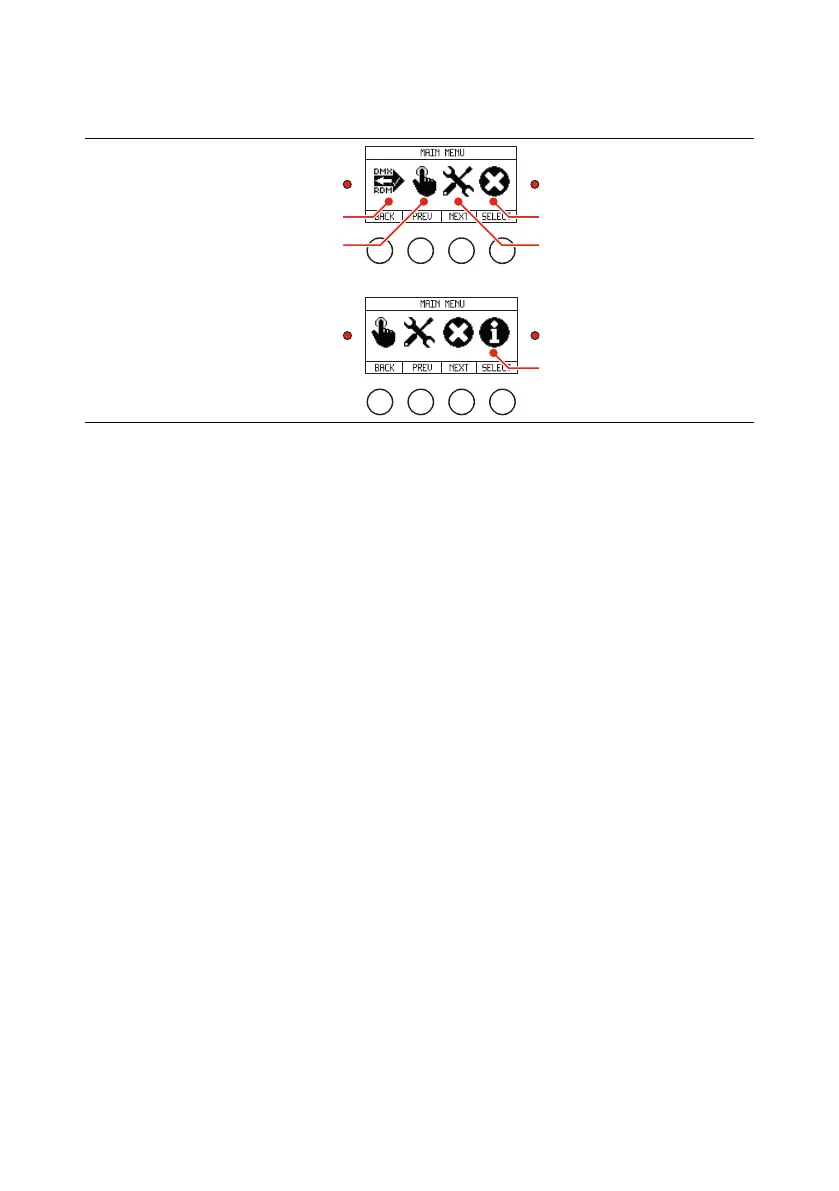
1.7. DISPLAY PANEL
CONFIGURATIONMANUAL OPERATION
DMX/RDM SETTINGS
INFORMATION
SIGNAL INFO
SIGNAL
INFO
Display panel
The display panel is located on the backside of the ECO2JET
®
. Check the following
menu structure for all options in the menu. Use the buttons for navigation and
selection. The signal LED blinks red when DMX signal is active. The info LED
continuously lights red when an error is present.



 To Next Page