32 MAGICFX
®
ECO2JET
®
- User and Installation Manual
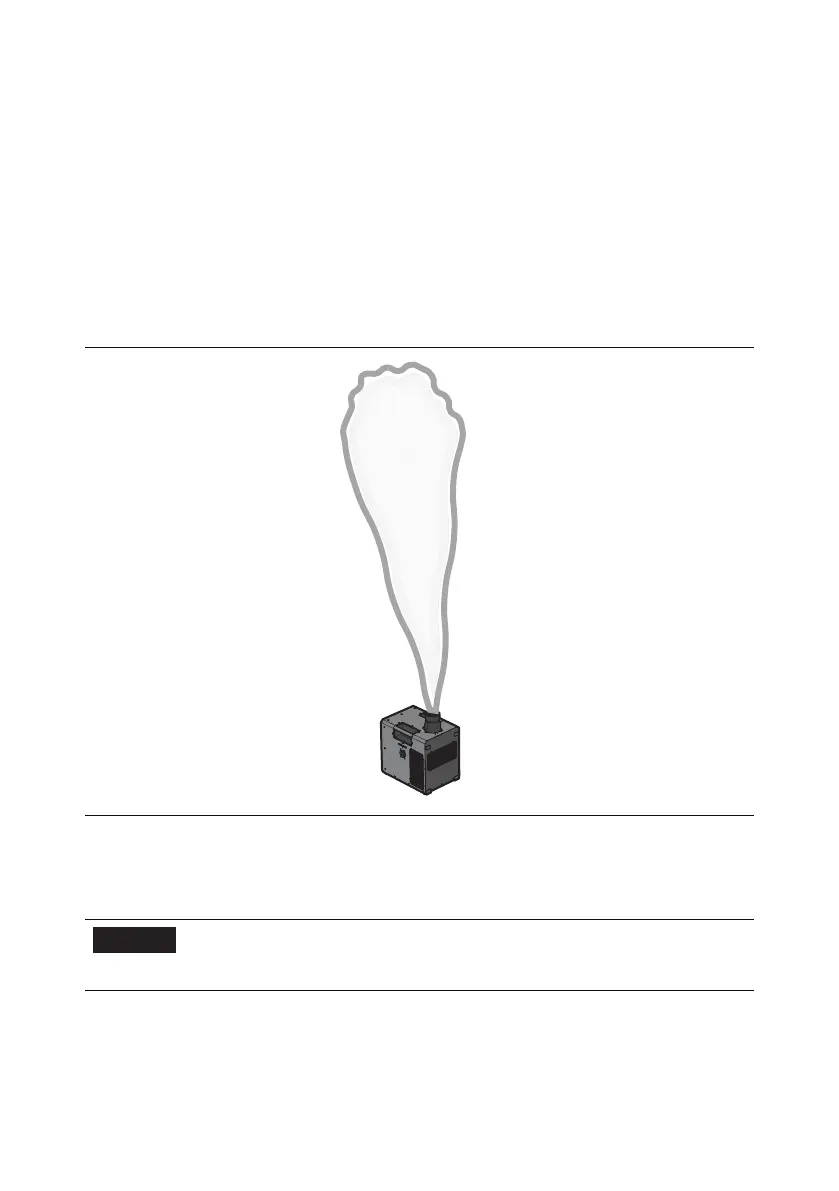
1. Make sure that the direct output is free from persons, animals and objects.
2. Set the DMX value for the enable channel between 100 and 154. The system is
pressurised, the fan is on, and the FX LED indicator lights up.
a. The device can also be pre-enabled to pressurize the system prior to
enabling. To trigger the eect the device first must be fully enabled. Refer to
Chapter 1.6.DMX control for the exact DMX values.
3. Set the DMX value for the start channel between 200 and 255 to shoot.
4. Enjoy the view! The eect can be activated until the heater temperature is too
low, the eect and FX LED indicator then stop. The FX LED indicator lights up
again when the temperature is high enough. The eect can then be
reactivated.
5. When you have finished blowing everyone's minds, deactivate the start
channel.
6. Deactivate the enable address.
NOTICE
The device can also be operated using the Test Mode
menu. Keep safety regulations in mind when operating
manually.



 To Next Page