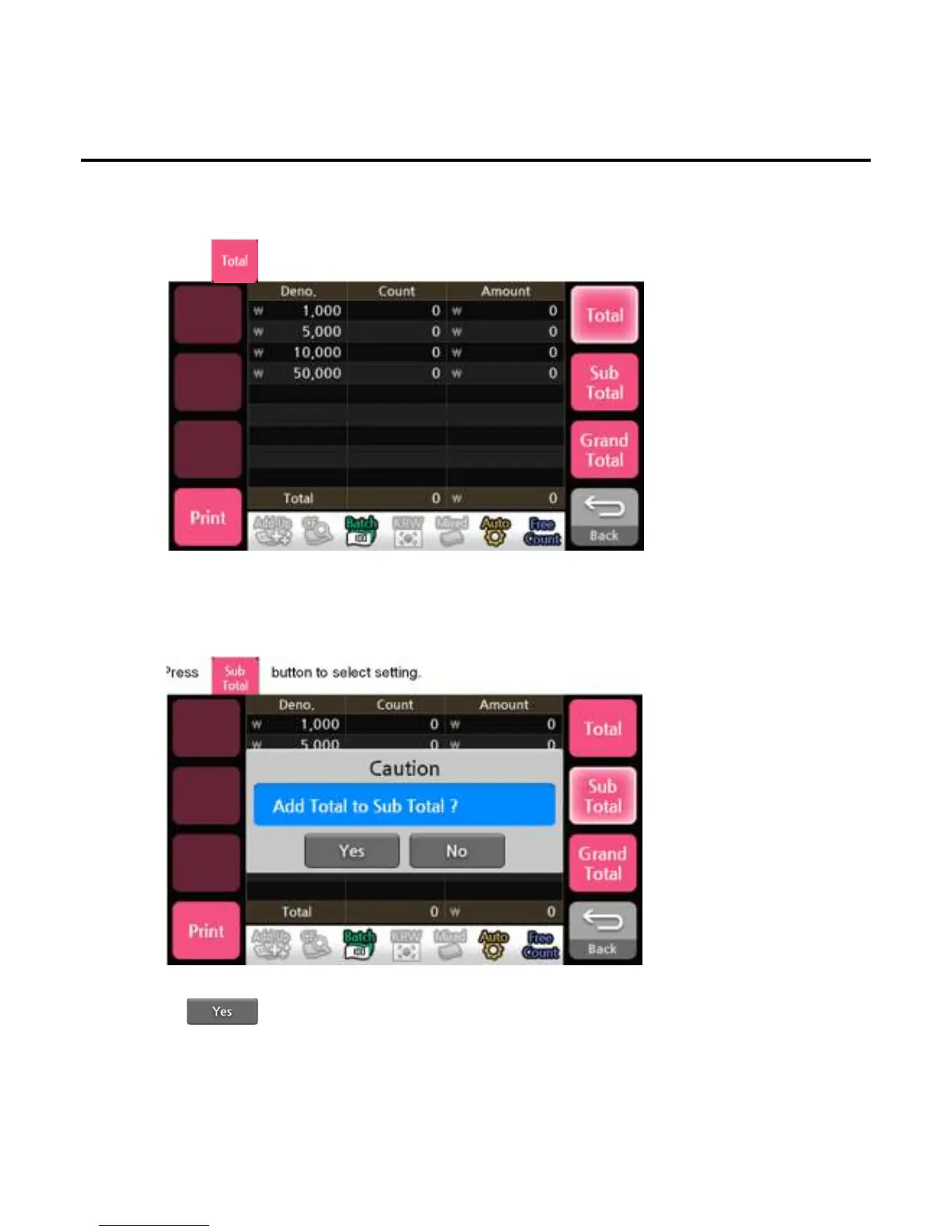
5. Total
To show the denomination and the number of banknotes and the total amount of the banknotes counted.
1)Press button to select setting.
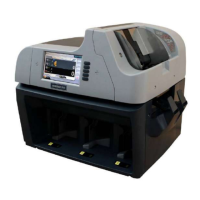
6. Sub Total
To show the denomination and number of banknotes, the total amount of the banknotes received from Total
1)Press button to select setting.
Operation
*Press button to transfer the count value to the sub total.
-
--
-45
4545
45-
--
-


 To Next Page