5.3.2. Pause
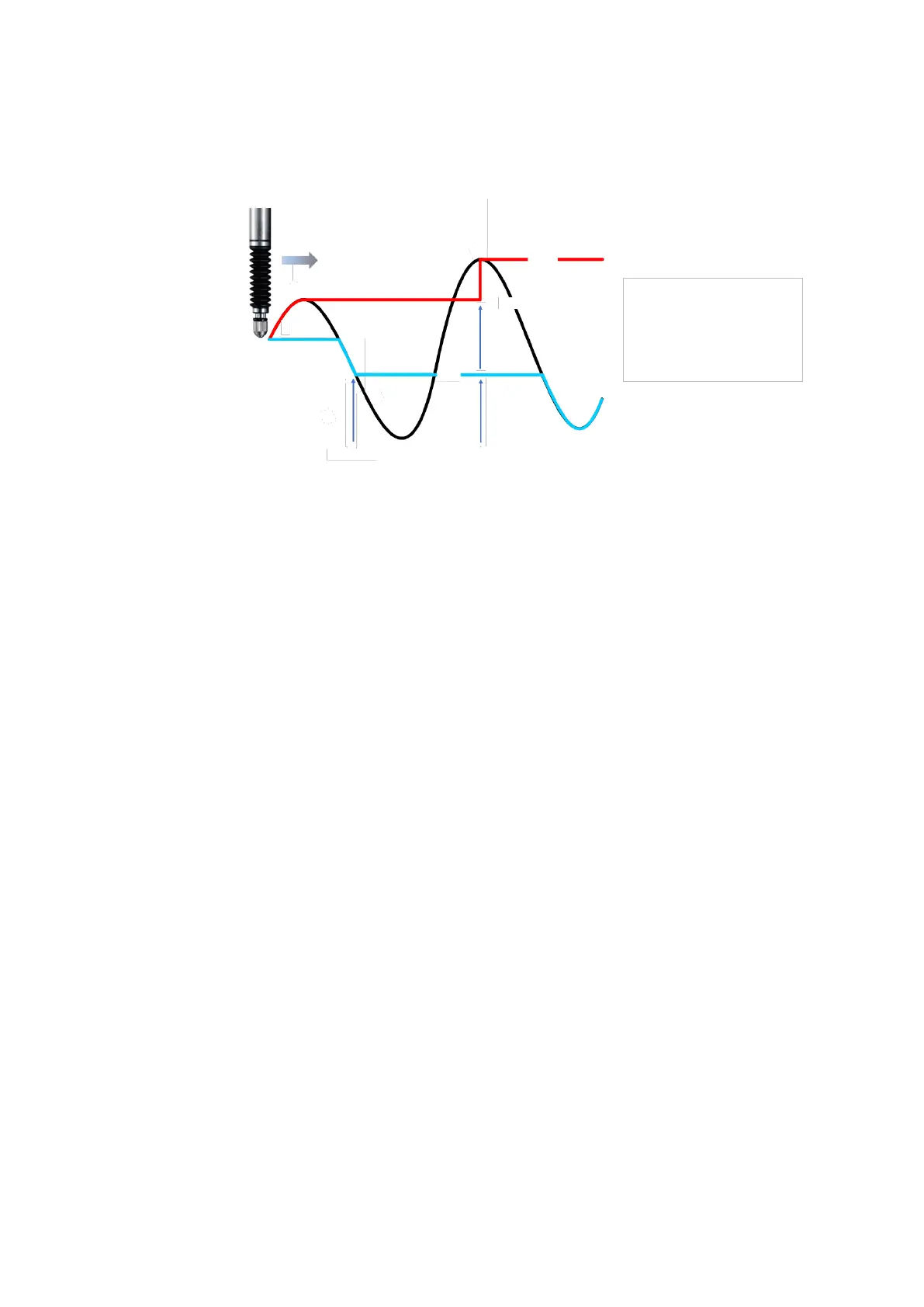
Stopps updating the comparator and peak value calculation of a frame with pause
function ON. Transition of the pause function of ON/OFF are shown below.
Example of using Pause function
5.3.3. Start
Starts storing the peak value of the specified frame.
(The count starts from the current value in Maximum Minimum mode.
The count starts from zero in Peak to Peak mode)
5.3.4. Reset
Sets the specified frame value to zero.
5.3.5. Preset
Overwrites the current frame value to a Preset value.
5.3.6. Master preset
By using the reference point of the measuring unit, a datum point and its value
(Master preset value) can be memorized. The position and its value will be
reloaded after restarting power and detecting reference point. Output will be
absolute value, reference to the Master preset position and value.
1. Turn the Reference point detection “ON” by PC application or the Command.
2. Turn the power on and move the measuring unit past the reference point.
3. Set the master work or stop the measuring unit at the required position.
4. Set preset value with “Master preset value setting” command, then call Master
preset value by “Master preset call” command.
5. Restart the power and move the measuring unit past the reference point.
Absolute value from the Master preset position will be loaded.


 To Next Page